1Password: Password Manager

Der sicherste Passwort-Manager für Apple-Nutzer

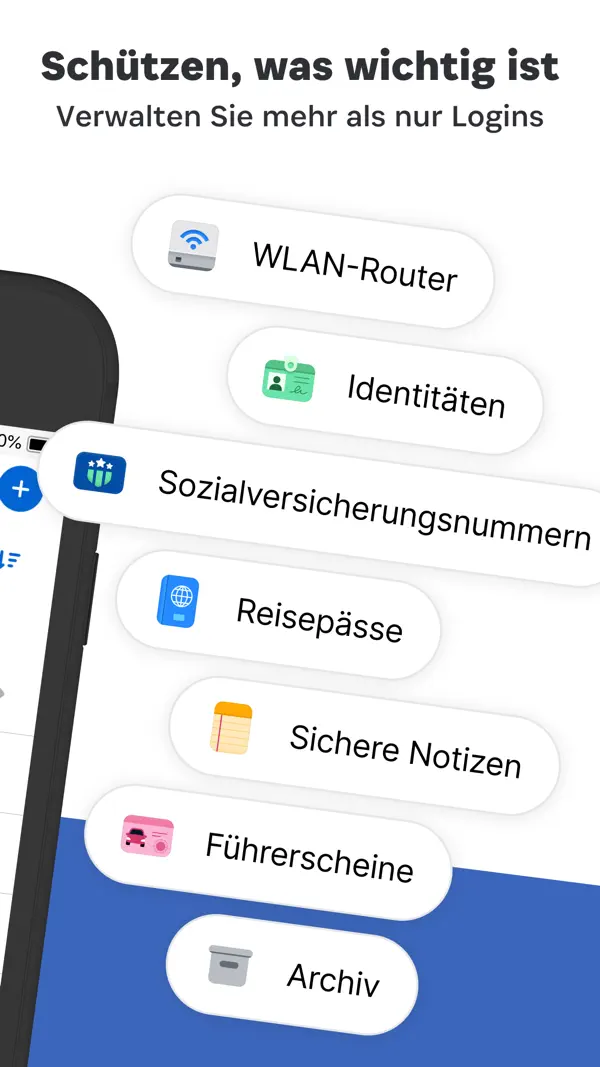
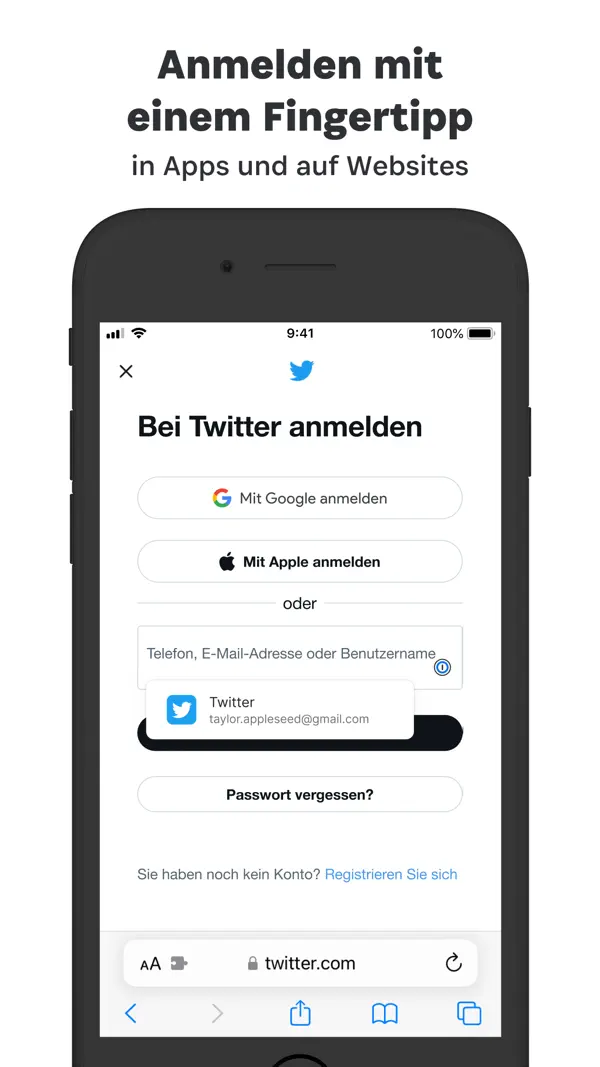
1Password speichert Passwörter, Kreditkarten und wichtige Dokumente sicher verschlüsselt. Die nahtlose Integration mit Face ID, Safari und AutoFill macht den Alltag sicherer und bequemer. Watchtower warnt bei kompromittierten Passwörtern.
Perfekt für dich, wenn ...
Du starke Passwörter für alle Accounts nutzen willst mit Face-ID-Autofill
Du Sicherheitswarnungen bei Datenpannen früh bemerken möchtest
Du Passwörter sicher mit Familie oder Team teilen willst
Eher nicht, wenn ...
Du keine Abo-Kosten für einen Passwort-Manager zahlen möchtest
Du mit dem kostenfreien iCloud-Schlüsselbund von Apple auskommst

Die letzten zehn Bewertungen liegen bei Ø 2,5 und damit auf dem Niveau der vorangegangenen (Ø 2,2).

5★
9
4★
4
3★
2
2★
9
1★
25
5.2K Bewertungen insgesamt ~4 Jahre
4,6
Die neusten 49 Bewertungen ~8 Monate
2,2
Die neusten 10 Bewertungen ~1 Monat
2,5

Die hilfreichsten 6 der neusten 49 Bewertungen

vor 2 Monaten Import lacks KDBX support — silent data loss and plaintext exports as the only migration path

You offer an import feature but cannot read the most widely used open password format in existence: KDBX. Instead, I'm expected to push my entire database through CSV or XML. That is indefensible, for two reasons. 1. You lose data without telling anyone. CSV and XML have no concept of file attachments. My vault holds dozens of documents — ID scans, licences, certificates. Your migration path discards all of them. The same goes for passkeys, custom fields, and in part for TOTP secrets. Mentioning this in a subordinate clause in a support article is not disclosure: the import dialog itself warns no one. Most users will discover the loss months later, when they go looking for a document and the original database is long gone. A migration path that silently drops data isn't a migration path — it's a trap. 2. The only route into your product runs through an unencrypted copy of every secret I own. You require me to write my complete credential set — including TOTP secrets, meaning first and second factor together — to disk in plaintext, then upload it through a browser form. On macOS that means, concretely: the file enters the Spotlight index, Time Machine captures it, it persists in the hourly local APFS snapshots macOS retains for days, and if it sits in Desktop or Documents, iCloud syncs it off the machine without being asked. On an SSD it cannot even be reliably deleted afterwards — wear levelling leaves copies in blocks the filesystem can no longer address. You manufacture precisely the condition your own product exists to prevent, hand the cleanup to the user, and mention none of it. Which raises the obvious question your documentation does not answer: is that file processed client-side in the browser, or on your servers? For a company selling zero-knowledge architecture as its core promise, that should not be left to inference. 3. There is a better way, and you know it. KDBX is an openly documented format with mature open-source implementations — KeePassXC, kdbxweb, pykeepass. Competitors such as Keeper have shipped direct .kdbx import for years. And the import belongs in the desktop app in the first place, where the vault key already resides; done there, no decrypted file ever has to exist. This isn't a research problem. It's a prioritisation decision, and you made it. What I expect: - Native .kdbx import in the desktop app, including attachments and TOTP. - Until then, an unmissable warning inside the import dialog stating exactly which data will be dropped — not buried in a support article. - A clear statement in the import flow about where the uploaded file is processed and how long you retain it. I ended the trial after a few hours. I was your customer for years, until version 8 wrote off the licences I had paid for in favour of mandatory subscriptions. That you now can't even make migration into your product safe rather confirms that decision than reverses it.

vor 2 Monaten Sehr gut

Ich finde 1Password sehr gut. Ich habe einige Passwordmanager ausprobiert und letztendlich 1Passord gewählt. Es gibt eine Funktion, die ich mir wünsche: eine Einstellung, mit serbisch direkt nach dem Start der App alle Einträge angezeigt bekomme!

vor 6 Monaten immer noch am besten

für eine passwortverwaltung mit mehreren usern auf verschiedenen systemen ist es immer noch am leichtesten mit 1PW die änderung des inlinepopups hat mich leider zeit gekostet die ursache zu finden. man muss in den systemeinstellungen die autofill-funktion ausschalten. dann ist alles wieder wie vorher. steht in den updatebeschreibungen drin, aber ich habe das zuerst überlesen

vor 6 Monaten Es gibt Alternativen – hört auf, an 1Password zu hängen!

Leute, hört auf, so an 1Passwort festzuhalten, als gebe es keine Alternativen! Man muss sich diese gierige Preiserhöhung wirklich nicht bieten lassen. Die interne Passwortverwaltung von Apple Passwörter ist komplett kostenlos und funktioniert mittler problemlos auf Windows. Ich bin über die letzten Jahre peu à peu dorthin gewechselt und bin jetzt einfach nur glücklich. Spart euch das Geld und den Ärger über immer teure Abos. Ein Wort an das ein Passwort Team: Gratulation, eure Preispolitik treibt die Leute direkt zur kostenlose Konkurrenz. Wer glaubt, er könnte seine Kunden durch angesammelten Daten als Geisel halten und beliebig abkassieren, hat sich gewaltig geschnitten. Viel Spaß dabei, zuzusehen, wie euch Nutzerbasis wegbricht.

vor 7 Monaten Blocking my access - don't do it again

I decided to renew for the higher price since I use it. Hope such a thing will never happen again. Stupid idea to try and force a renewal by blocking access. --- before 2026-03-17 --- So you are seriously instantly blocking access to my account until I immediately consent to price increase. And you are in the trust and security business right? Stay away from this product they will take your passwords hostage. -- Edit 16/3/2026 - to be clear: This is was not a technical problem. 1Password placed a blocking banner over the app on each device to either immediately accept the price increase or cancel the subscription with no way to bypass the banner. The fact that they try and deceive you into thinking this was some technical error again tells you more about the length they will go to. Very sad.

vor 7 Monaten Unreliable

The in-page autofill widget has started failing on more and more pages since a few weeks. Clicking an entry does nothing. 1Password just keeps getting worse and worse while they raise prices. Unbelievable.

Basierend auf Rezensionen aus dem App Store · Stand: September 2026

ab 4,39€
pro Monat im Abo

Abo ca. 3 €/Monat (oder ca. 36 €/Jahr) — Passwort-Manager für alle Plattformen, Teams und Familie möglich.

Abo-Tarife
  • Jahresabo 43,90€/Jahr (3,66€/Mon)
  • Monatsabo 4,39€/Monat
Spar-Tipps
  • Familien-Plan: 5,75 €/Monat für bis zu 5 Personen — 1,15€/Pers./Monat (= 13,80€/Jahr)
  • Trial: 14 Tage kostenlos
  • 1Password ist nur als Jahresabo verfügbar (kein günstigeres Monatsabo). Der Familien-Plan kostet ca. 69 €/Jahr für bis zu 5 Personen. Achtung: Im März 2026 gab es eine deutliche Preiserhöhung von bis zu 38 %.
2 In-App-Käufe · 4,39€ – 43,90€
Monatsabo 4,39€
Jahresabo 43,90€
Rabatt & Bonus

Mit dem Referral-Programm bekommst du 6 Monate kostenlos bei Signup mit Referral-Code.

AgileBits Inc.

Entwickler von 1Password, einem der bekanntesten Passwort-Manager weltweit. Vollständig remote seit Tag 1, bewertet mit über 6 Mrd. USD.

Typ: Mittelstand Sitz: Toronto, Kanada Gegründet: 2005 1password.com
1 Vorfälle — 1 behoben
Okta-Supply-Chain-Vorfall (2023, behoben) — Im September 2023 entdeckte 1Password unautorisierte Aktivitäten in ihrem Okta-Tenant, nachdem Angreifer über das kompromittierte Okta-Support-System Zugang erlangt hatten. 1Password bestätigte nach Untersuchung, dass keine Nutzerdaten betroffen waren und der Zugriff sofort unterbunden wurde. Quelle
Im App Store seit 9. Aug. 2022
Größe 404 MB
Mindest-iOS iOS 18.0
Altersfreigabe 4+
Geräte iPhone & iPad
Sprachen 12 Sprachen
Aktuelle Version v8.12.36 vom 8. September 2026

- Suggestions when generating or changing passwords have been updated with new password and website requirements.

- Login items for claude.ai, claude.com, or anthropic.com are now suggested across all three websites.

- We've improved the performance of the Nearby items section on the Home tab.

- We've improved the performance of loading your Home screen in the app.

- We've made some improvements to reduce the chances of seeing an "An unknown database error occurred" error in the 1Password browser extension for Safari. [[#BEE-878]]

- The Community Forum link in the Help menu now points to a 1Password Community search page with the tag for your platform automatically selected. [[#UL-128]]

- We've fixed an issue where the password field could be hidden by your keyboard when you tried to unlock the 1Password browser extension in Safari. [[#ME-293]]

- We've fixed an issue where you could see a blank Autofill screen instead of a prompt to unlock your 1Password account when you selected a login suggestion at the top of your keyboard. [[#ME-438]] [[#ME-936]] [[#ME-207]]

- We've fixed an issue where 1Password sometimes wouldn't unlock the account you selected in the list of accounts on the Autofill screen. [[#ME-1115]] [[#ME-438]]

- We've fixed an issue where turning off a Focus mode could reset the collection used for your Autofill suggestions. [[#ME-195]]

- We've fixed an issue where importing items through the Credential Exchange protocol could fail when the imported data contained issues, like incorrectly formatted passkeys. [[#EE-2411]]

- We've fixed an issue where you could see a blank Autofill screen that couldn't be dismissed if you selected a passkey then dismissed the prompt to approve the sign-in attempt with biometrics or your passcode. [[#ME-438]] [[#ME-1113]]

- We've fixed an issue where 1Password sometimes wouldn't prompt you to set up biometric unlock if you signed in to an account using SSO or a passkey. [[#DV-693]] [[#DV-708]]

- We've fixed an issue where unlocking with Face ID or Touch ID wouldn't work properly if you reset your device settings on iOS 27. [[#DV-699]]

- We've fixed an issue where the screen to enable Autofill could close on its own after you signed in for the first time, preventing other screens from appearing until you restarted 1Password. [[#ME-1024]]

- We've fixed an issue where 1Password could get stuck when you scanned a QR code from another device to sign in to an account that uses SSO. [[#AUTH-3152]] [[#AUTH-3296]]

1Password ist einer der bekanntesten Passwort-Manager mit nahtloser Apple-Integration, Watchtower-Sicherheitswarnungen und gutem Familien-Sharing.

Die aktuelle Nutzerstimmung ist merklich schlechter als der Gesamtschnitt, was auf Probleme seit dem Wegfall der Einmalkauf-Option und Änderungen in der App-Architektur hindeutet. Wer ein reines Abo vermeiden will, sollte Bitwarden als Alternative prüfen.

Ratgeber, in denen 1Password: Password Manager genauer thematisiert wird

Häufige Fragen

Was ist 1Password: Password Manager?
1Password: Password Manager ist eine iOS-App in der Kategorie Produktivität. Der sicherste Passwort-Manager für Apple-Nutzer
Was kostet 1Password: Password Manager?
1Password: Password Manager ist eine kostenpflichtige App. Zusätzlich gibt es ein Abo-Modell. Geschäftsmodell: **Abo ca. 3 €/Monat** (oder ca. 36 €/Jahr) — Passwort-Manager für alle Plattformen, Teams und Familie möglich. .
Was sind die Vorteile von 1Password: Password Manager?
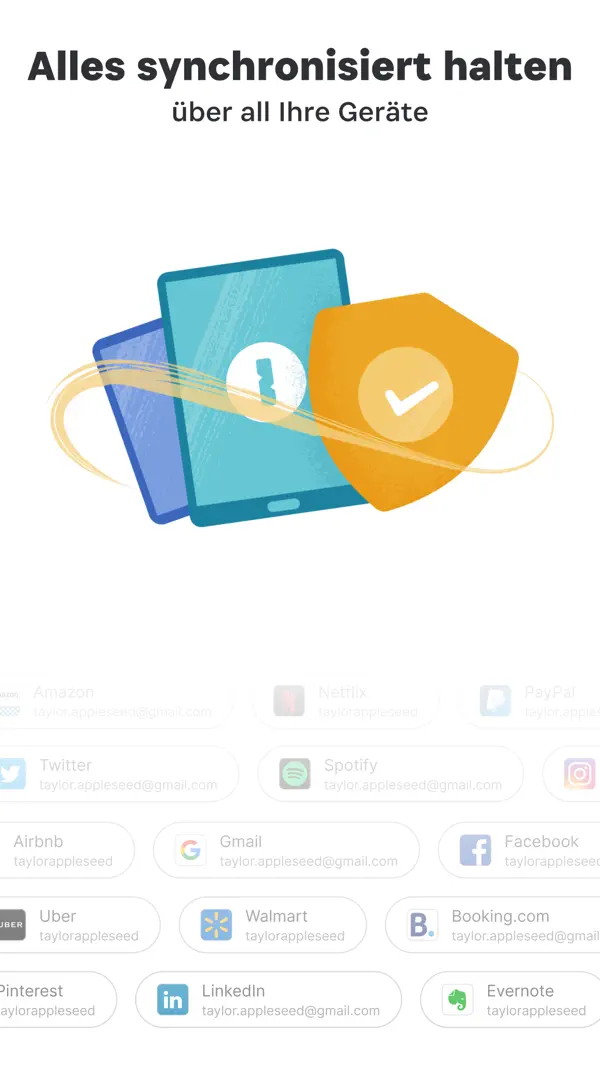
Die wichtigsten Stärken von 1Password: Password Manager: Nahtlose Apple-Integration (Face ID, AutoFill). Watchtower für Sicherheitswarnungen. Familien- und Team-Sharing.
Welche Nachteile hat 1Password: Password Manager?
Mögliche Schwächen: Nur als Abo erhältlich. Keine kostenlose Version mehr.
Wie gut ist 1Password: Password Manager bewertet?
1Password: Password Manager hat im App Store eine Bewertung von 4,6 von 5 Sternen bei 5.2k Bewertungen. Die letzten zehn Bewertungen liegen bei Ø 2,5 und damit auf dem Niveau der vorangegangenen (Ø 2,2).

Die besten Alternativen für 1Password: Password Manager

Hervorragend · 4,7★
Freemium
Bitwarden

Bitwarden

Produktivität

Open-Source-Passwort-Manager — gratis, sicher, auf allen Geräten

Hervorragend · 4,7★ Freemium

Open-Source-Passwort-Manager — gratis, sicher, auf allen Geräten

Hervorragend · 4,7★ (8.6K) Freemium Aufsteiger
Details ansehen → Kostenlos laden
Alle Apps
Zuletzt geprüft: Oktober 2026
Kostenlos laden