Albums: Music Library Player
Deine Apple Music Bibliothek als Cover-Galerie – mit Stats, CarPlay und Widgets
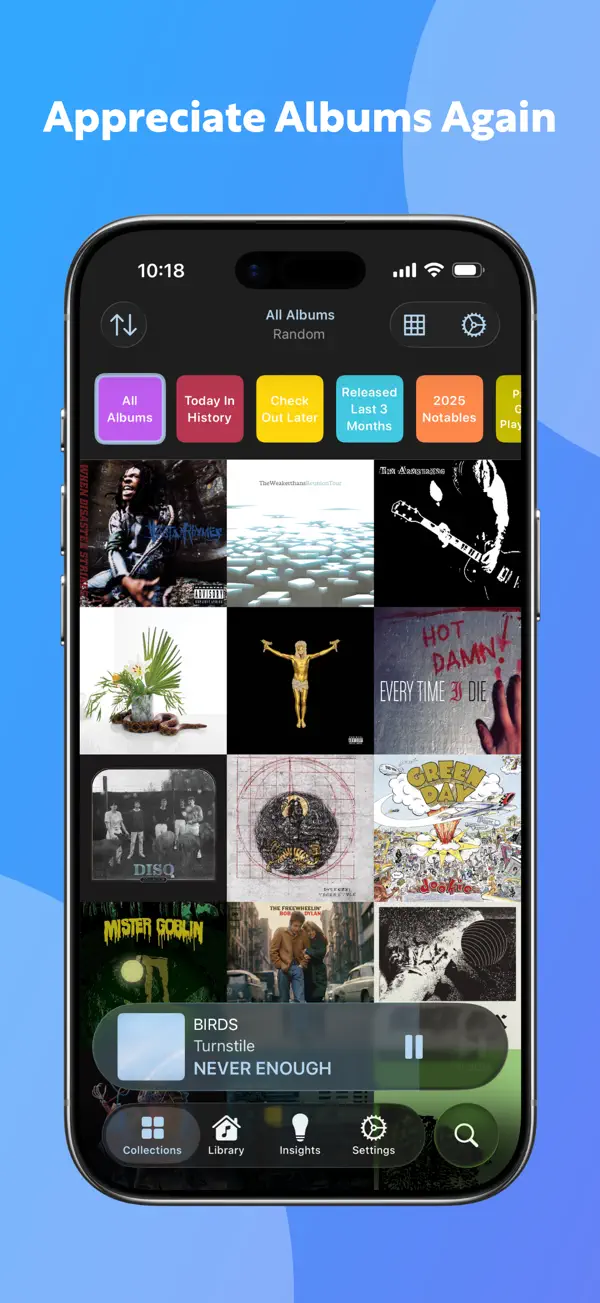
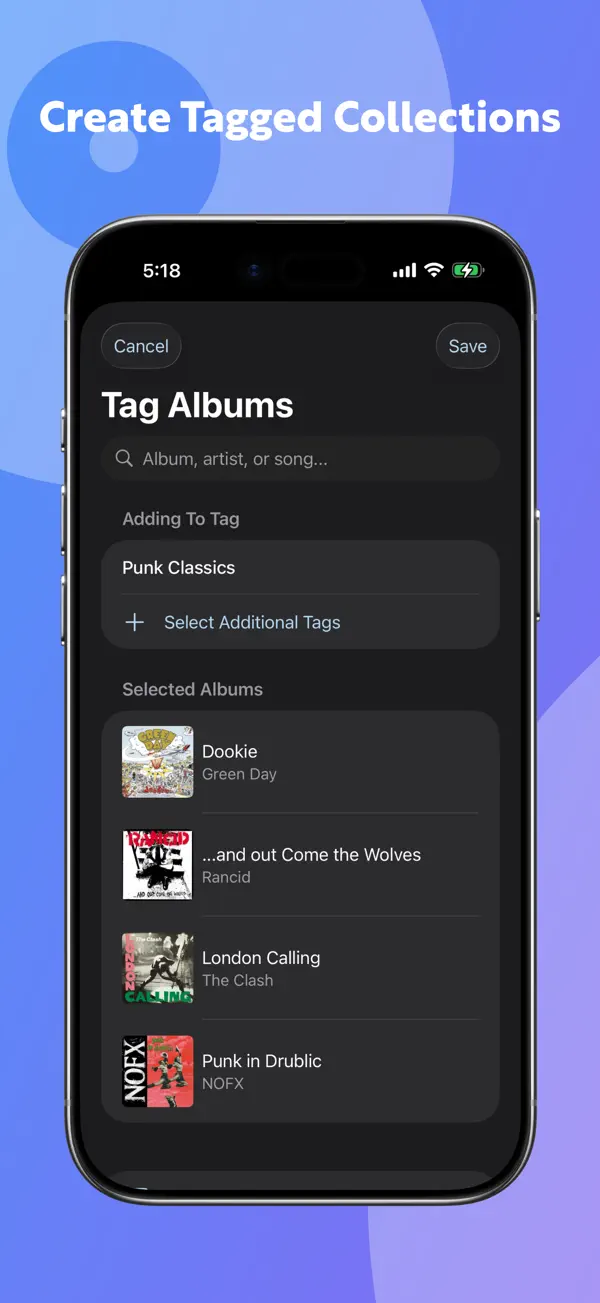
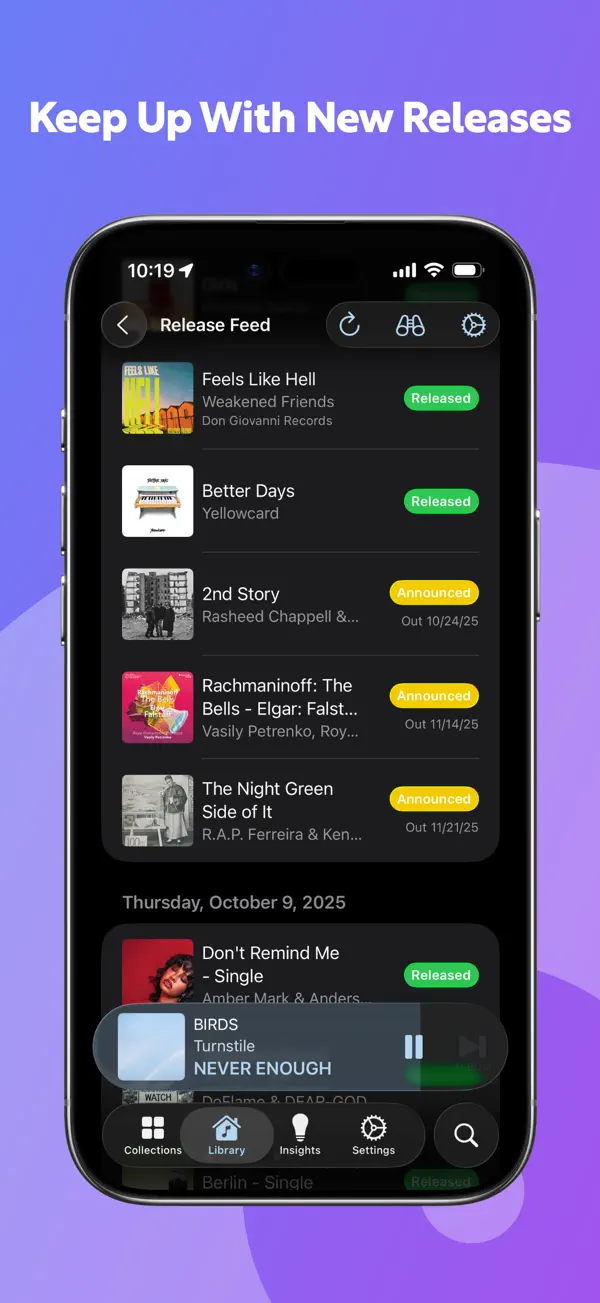
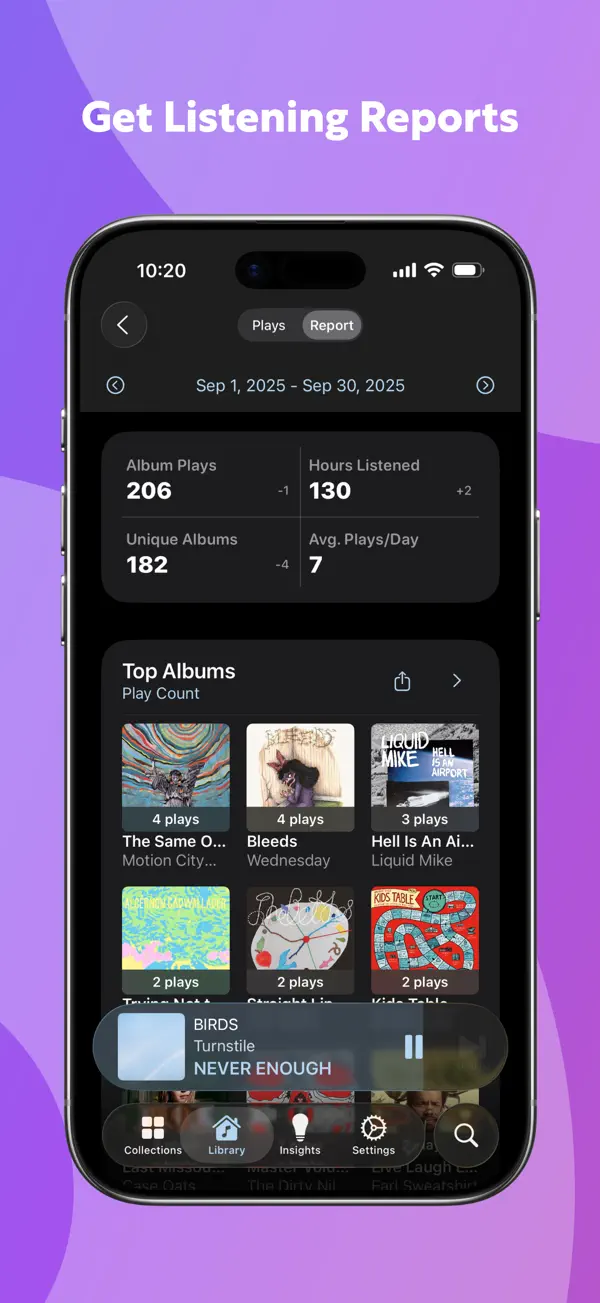
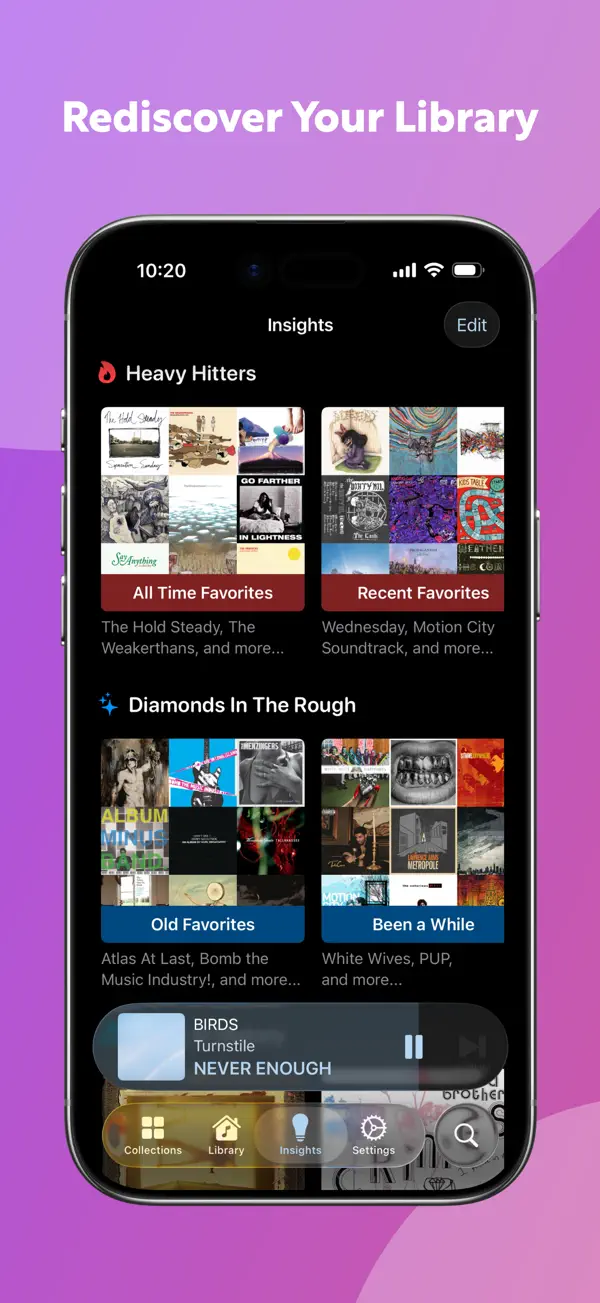
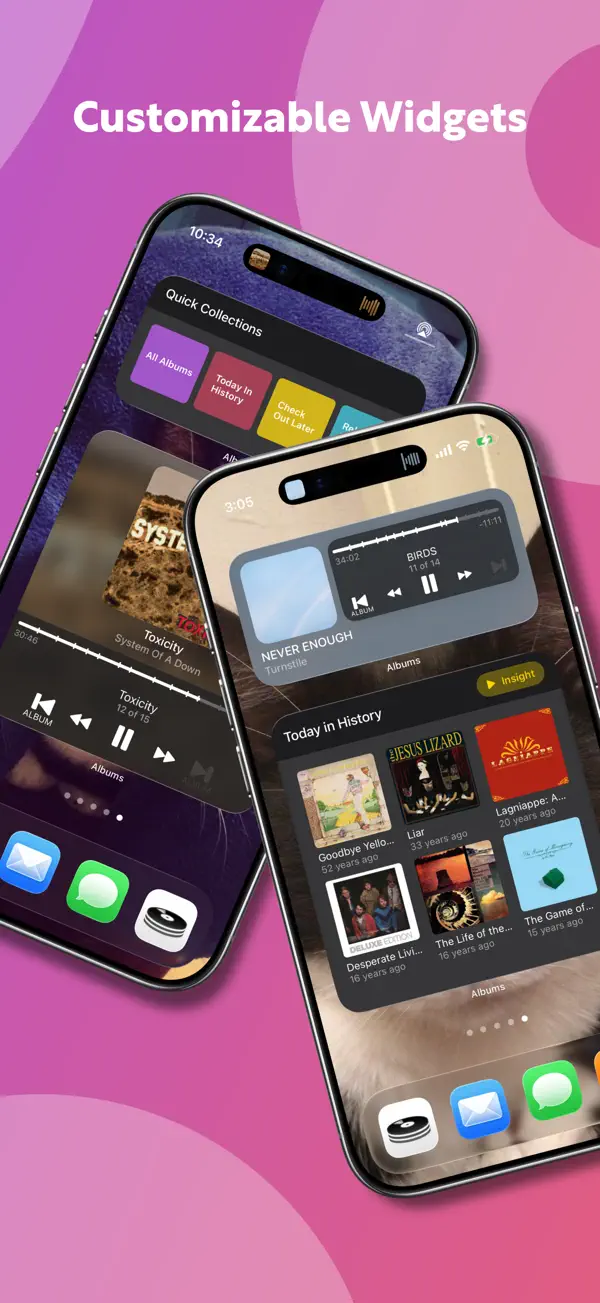
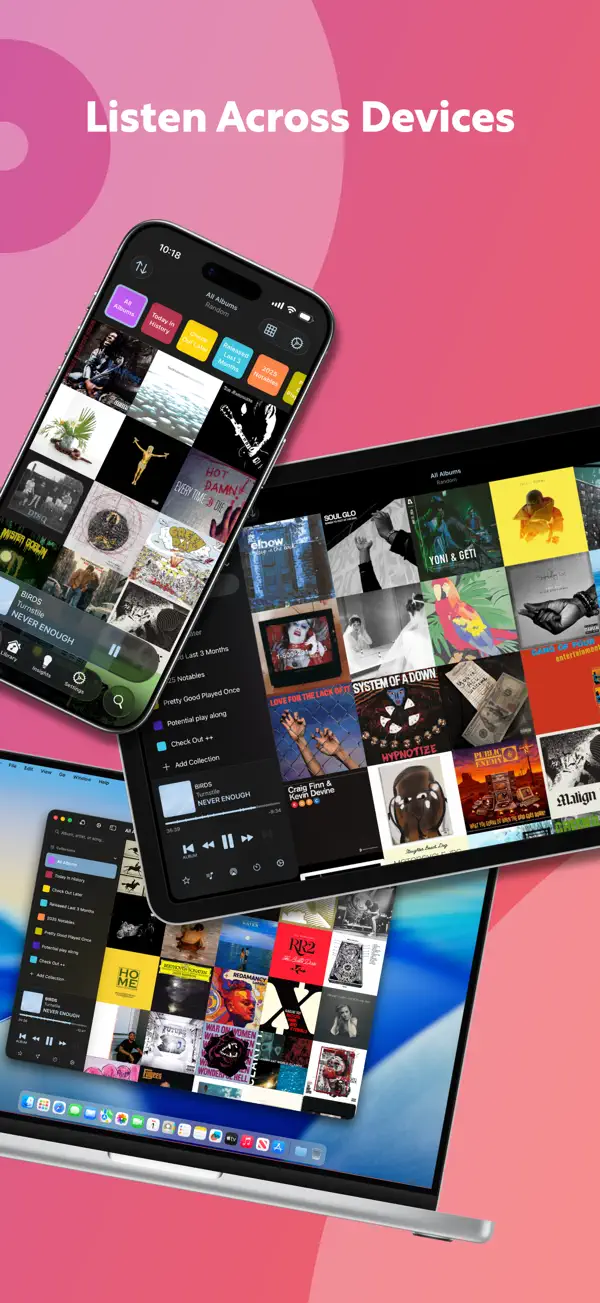
Albums verwandelt deine Apple Music Bibliothek in eine schöne Album-Galerie. Statt Playlists stehen Alben im Vordergrund – wie durch eine Vinyl-Sammlung blättern. Die App zeigt Cover in einem großen Grid, bietet detaillierte Hörstatistiken und lässt sich über CarPlay und Widgets steuern. Eine kostenlose Basisversion reicht zum Ausprobieren; Albums Premium schaltet Last.fm-Scrobbling, tiefe Höreranalysen und eigene Sammlungen frei.
Das sagen Nutzer
→ UnverändertDie hilfreichsten 3 der neusten 31 Bewertungen
Basierend auf Rezensionen aus dem App Store · Stand: September 2026
Preis & Sparen
GratisKostenlos mit optionalem Albums Premium — Basis-Galerie, CarPlay und Widgets sind gratis. Premium schaltet detaillierte Hörstatistiken, Last.fm-Scrobbling und erweiterte Filter-Sammlungen frei. Kein Abo-Zwang, die App ist vollwertig kostenlos nutzbar.
Über den Entwickler
Indie-Entwickler und Data Engineer, bekannt für Albums – einen albumfokussierten Apple Music Client für iOS/iPadOS. Gestartet 2019 als Lernprojekt, gewachsen zu einem vollwertigen Music Relationship Manager.
Vertrauenswürdigkeit
App-Info
Fixes:
- Fixed an issue where a resumed session could double-count a track and be marked as complete too early
- Fixed an issue where the queue might not proceed to the next album when playing Albums on one device and browsing it on another
- Fixed an issue where the Now Playing widget might incorrectly show the iCloud indicator while Albums was open on the Mac, even if you’d only been listening on your phone
- Cleaned up superfluous log messages so log file sizes should be significantly smaller
- Fixed an edge case where users who purchased a Lifetime unlock could have to restore purchases with every launch
- Fixed an issue where the “Learn More” pop up on the mini Paywall didn’t work in the Mac app when presented from a secondary window
- Fixed an issue where tracks on pre-released albums added from local files failed to play for non-Apple Music subscribers
- Fixed an issue where the Settings -> About link to send the developer an email could crash on macOS if you don’t have Apple Mail configured
- Fixed an issue where Albums would never again be able to show new albums on the Release Feed or pull in new albums on an artist’s collection page if the artist’s Apple Music catalog ID changed
- In the Mac app, modal sheets (such as the Tag Picker, Playlist picker, etc) now present with a more useful default size, are resizable, and will remember your preferred size.
- Fixed a handful of cases where modal sheets presented with incorrectly rendered buttons or were missing a Cancel button on macOS
- Fixed an issue where the Discography Browser didn’t correctly sanitize artist names returned from Discogs, leading to the inability to view certain albums.
- Fixed an issue where a non-library album whose Apple Music Catalog ID had changed since you last viewed in in Albums might need to be opened several times before displaying its tracklist
- Fixed an edge case where the Mac app could crash during an iCloud sync
- Fixed an issue where artwork and metadata could get out of sync when shuffling songs
- Fixed a couple of edge case crashes related to rearranging the queue
- Fixed an issue where the app could hang when tapping the “Show Additional Catalog Tracks” button
- Fixed animation issues when presenting the Now Playing screen
Unser Fazit
GutKaum bekannt, aber Albums ist die schönste Art, die eigene Apple Music Bibliothek zu erleben – wer noch echte Alben hört statt nur Playlists, wird das Cover-Grid lieben.
Die App setzt bewusst auf das Album als Kunstwerk statt auf den schnellen Song-Skip. Ohne eigene Bibliothek ist der Nutzen allerdings sehr begrenzt.
Ratgeber, in denen Albums: Music Library Player genauer thematisiert wird

Häufige Fragen
Was ist Albums: Music Library Player?
Ist Albums: Music Library Player kostenlos?
Was sind die Vorteile von Albums: Music Library Player?
Welche Nachteile hat Albums: Music Library Player?
Wie gut ist Albums: Music Library Player bewertet?
Ähnliche Musik-Apps

Suno - Musik Machen mit KI
Musik
KI-Musikstudio: Songs aus Text, Stimme oder Foto erstellen
KI-Musikstudio: Songs aus Text, Stimme oder Foto erstellen

Akkorde & Tuner: Guitar Wiz
Musik
Akkordlexikon, Stimmgerät und Übungscoach mit voller VoiceOver-Führung
Akkordlexikon, Stimmgerät und Übungscoach mit voller VoiceOver-Führung

Ultimate Guitar: Chords & Tabs
Musik
Die größte Akkorde- und Tabs-Bibliothek für Gitarristen und Bassisten.
Die größte Akkorde- und Tabs-Bibliothek für Gitarristen und Bassisten.

SoundHound
Musik
Musikerkennung, die auch Summen und Singen versteht
Musikerkennung, die auch Summen und Singen versteht

Audials Play - Radio & Podcast
Musik
110.000 Radiosender und Podcasts weltweit — werbefrei, auch offline
110.000 Radiosender und Podcasts weltweit — werbefrei, auch offline
KI-Musikstudio: Songs aus Text, Stimme oder Foto erstellen
Akkordlexikon, Stimmgerät und Übungscoach mit voller VoiceOver-Führung
Die größte Akkorde- und Tabs-Bibliothek für Gitarristen und Bassisten.
Musikerkennung, die auch Summen und Singen versteht
110.000 Radiosender und Podcasts weltweit — werbefrei, auch offline