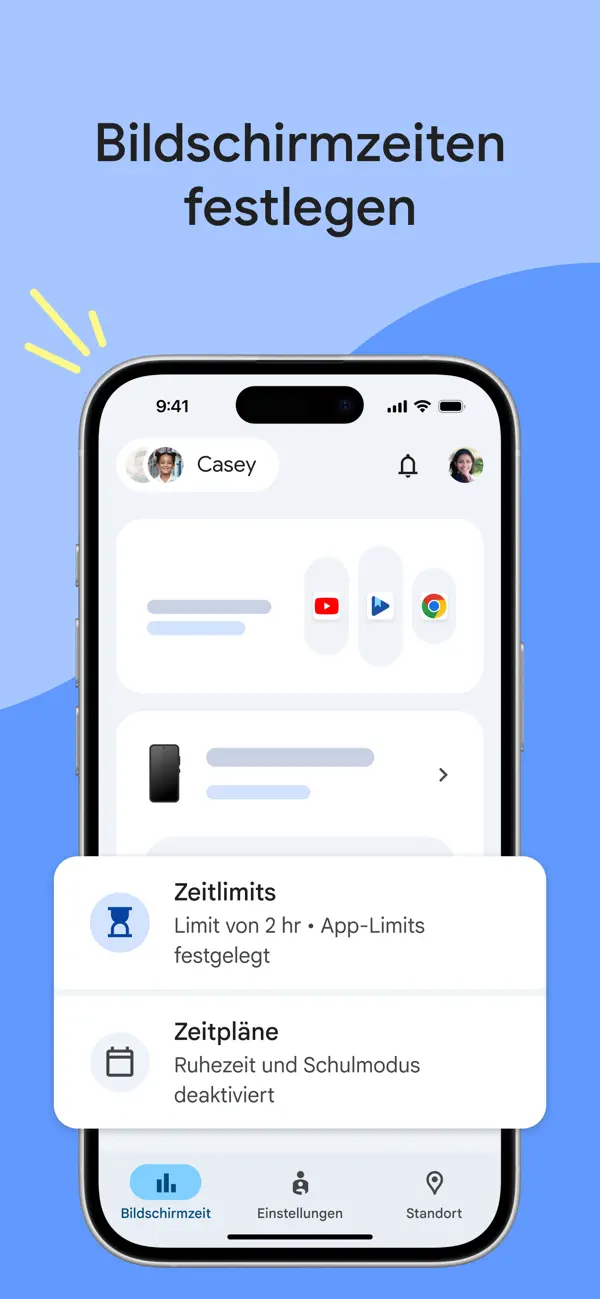
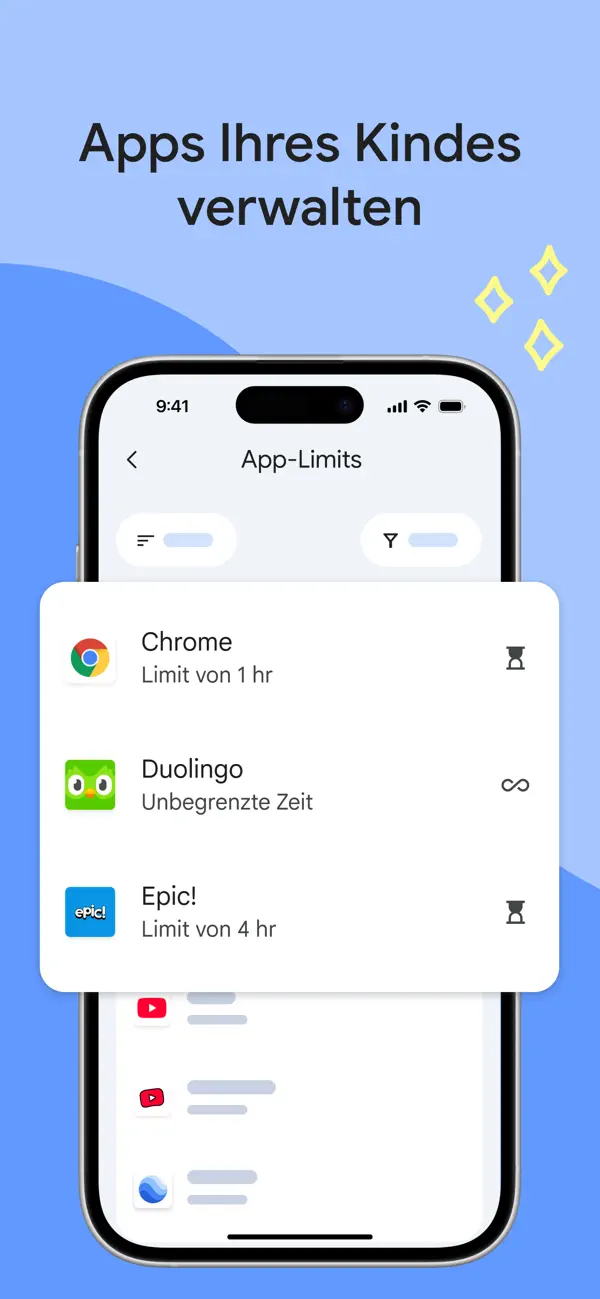
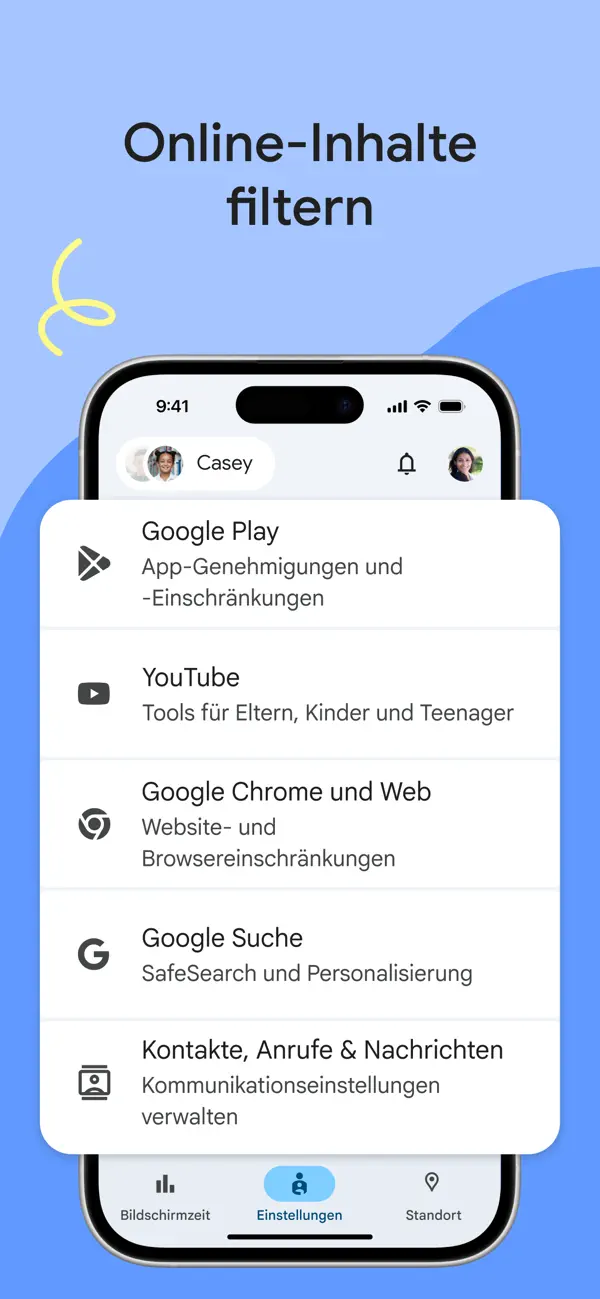
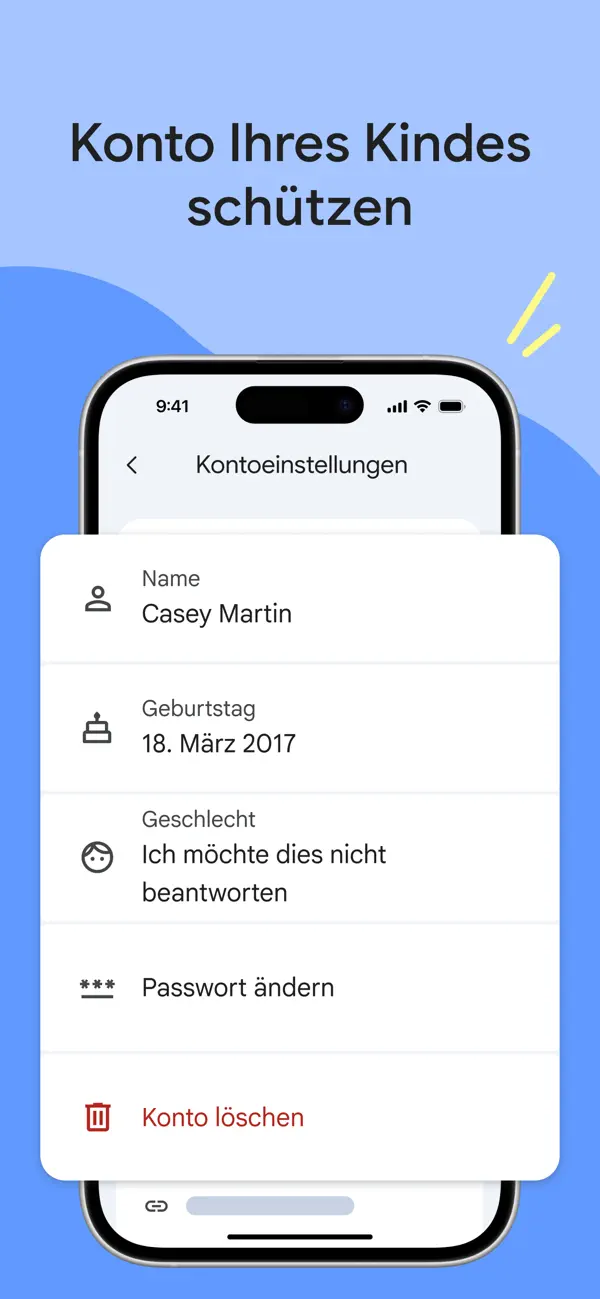
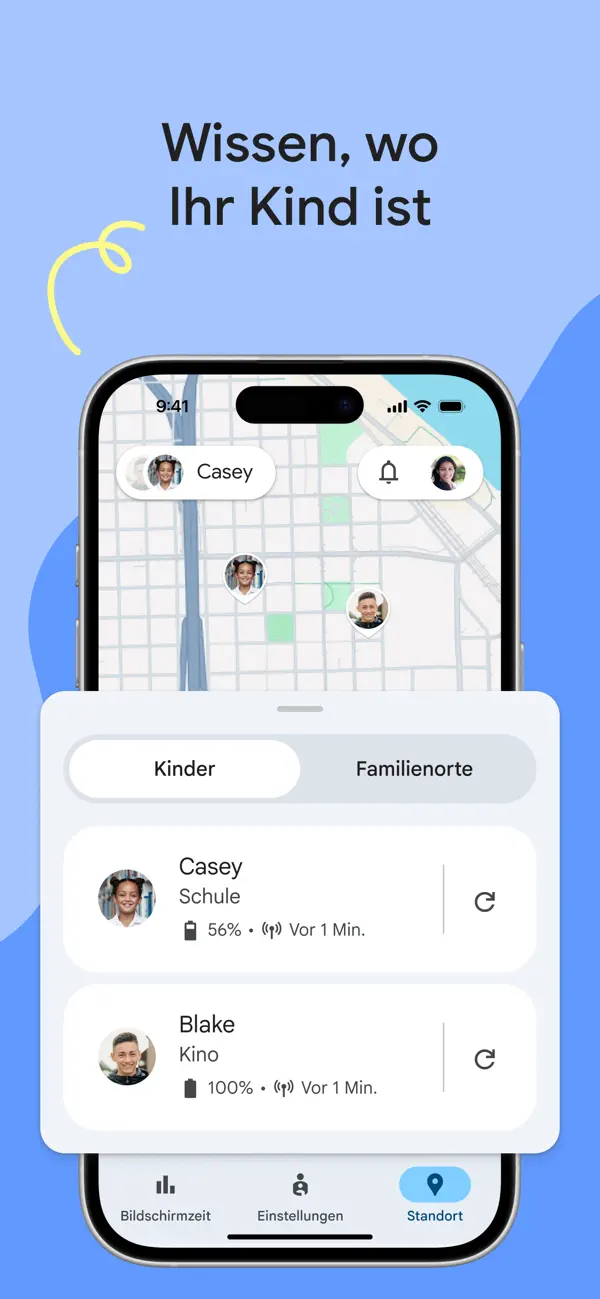
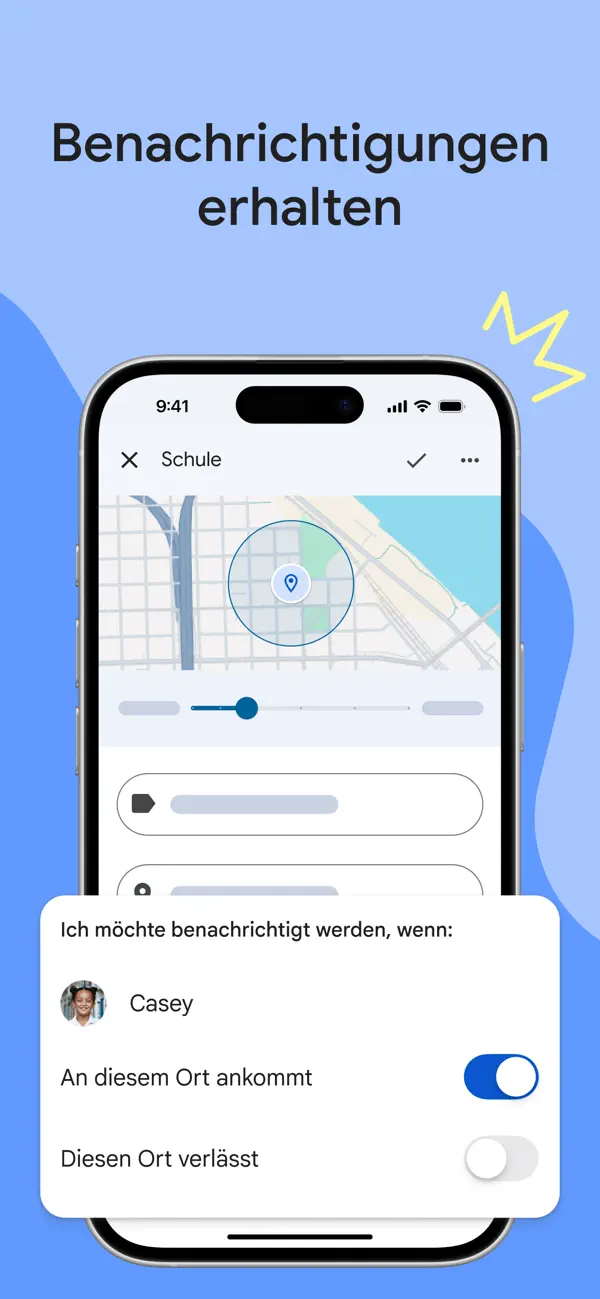
Google Family Link ermöglicht Eltern die vollständige Kontrolle über das Smartphone ihres Kindes: App-Freigaben, Bildschirmzeit-Limits, Standortverfolgung und Inhaltsfilter. Primär für Android-Kindergeräte konzipiert, mit iPhone-App für die elterliche Verwaltungsseite. Kostenlos von Google.
Du hast ein Kind mit einem Android-Gerät und willst Bildschirmzeit und Standort steuern
Du willst kostenlose elterliche Kontrolle ohne teures Abo
Eher nicht, wenn ...
Dein Kind hat ein iPhone – Google Family Link funktioniert nur für Android-Kinder
1 / 2
Das sagen Nutzer
↗ Besser
🇺🇸 US-Rezensionen
Die letzten zehn Bewertungen liegen bei Ø 2,6 und damit über dem Schnitt der vorangegangenen (Ø 2,2). Im deutschen App Store gibt es noch keine Rezensionen, die Zahlen stammen aus dem US-Store.
5★
13
4★
0
3★
3
2★
3
1★
30
67.3K Bewertungen insgesamt~8 Jahre
4,5
Die neusten 49 Bewertungen~1 Monat
2,2
Die neusten 10 Bewertungen~1 Woche
2,6
Die hilfreichsten 6 der neusten 49 Bewertungen
vor 4 WochenInsane
Send my personal accounts birthday as 2023 and it somehow got linked into a family group with my business account and I cannot remove it. I have tried changing my birthday through the business account, but it didn’t register and now that it is registered (finally) it still won’t let me remove it on either accounts it still won’t show me the options to remove the account. Now I’m downloading this app on the iPad so I can register it as my so-called “child’s” account. And get a parent access code to hopefully be able to remove my account off the group and then be able to delete the group. There should be way simpler ways to do this. I severely suggest an update for parental controls to easily be able to remove account without having to delete them, or—for some people’s wants—the in a group.
vor 4 WochenAbsolute Control
I really like the Family Link app because it helps me manage my kids’ screen time and keeps their tablet use under control. I can set when the device turns on and off, limit which apps they can use, and even check if the content is age appropriate. And now, instead of handing over the tablet for free screen time, I use it as a reward, which works much better for us.
vor 1 MonatGreat app
This app is great my kid has been sleeping for a long time she also took a rope too her room arts and crafts she also been wearing pants that’s odd it summer but great app 5 out 5 stars🙂
vor 1 MonatEs muy buena
Mi hija de 10 años solo para en su habitación no deja de hacer manualidades me pidió una soga y hizo una canasta hermosa y me la regaló de madre y otra cosa pienso que es muy fuerte lo maximo que puede usar su dispositivo son 9 horas después de hay se le bloquea ame la app
vor 1 MonatPerfect for kids !!
This is perfect to monitor my kids activities. No need for me to be up at nights to make sure they are sleeping or watching inappropriate age group related videos. I recommend this to all parents
vor 1 MonatAdolecente protestante
Esta aplicación es muy efectiva pero a la vez dañina porque eso les deja dicho a todos los niños del M nos que la mayoría de los padres solo nos ven como un estorbo y no confían es nos ptro ellos creen que somos bebés nosotros somos adolecentes debemos exigir que nos dejen desarrollar la confianza entre nosotros mismos porque muchos jóvenes solo quieren ser vistos por el mundo pero como lo hacen si ni siquiera sus padres confían en ellos yo soy adolecente yo hoy alzo la voz contra todos los jóvenes que necesitan una app para que sus padres los monitores todo el tiempo exigí y reclamo nuestros derechos no nos quedemos callados alzan su voz jóvenes háganse escuchar no dejen que la crueldad adulta nos apague seamos el futuro pero a nuestro modo como nos sintamos libres
Basierend auf Rezensionen aus dem US App Store (im deutschen Store liegen noch keine vor) · Stand: September 2026
Preis & Sparen
Gratis
Kostenlos – von Google als Service angeboten.
Über den Entwickler
Google LLC$GOOGL
Tochterunternehmen von Alphabet Inc., entwickelt Suchmaschine, Android, Chrome, Gmail, Google Maps und zahlreiche weitere Dienste. Im iOS-Ökosystem bietet Google Apps für Produktivität, Navigation, Kommunikation und KI an.
Googles AdMob sammelte Kinderdaten wie IP-Adressen und Standorte ohne elterliche Zustimmung (2026, aktiv). Werbefinanziertes Geschäftsmodell kombiniert mit dokumentiertem Kinder-Datentracking.
3 Vorfälle — 1 schwerwiegend, 1 unklar, 1 behoben
Kinder-Datentracking durch AdMob (2026, aktiv) — Googles AdMob sammelte Kinderdaten wie IP-Adressen und Standorte ohne elterliche Zustimmung. Google zahlte 8,25 Mio. Dollar Vergleich.
Umfassende Datensammlung (strukturell, aktiv) — Google sammelt über alle Dienste hinweg umfangreiche Nutzerdaten, auch von Kindern.
Standort-Tracking trotz Deaktivierung (2018-2022, behoben) — Google trackte Nutzer trotz deaktivierter Standortdienste. Ein 391,5-Mio.-Dollar-Vergleich mit 40 US-Bundesstaaten folgte 2022.
App-Info
Im App Store seit29. Mai 2018
Größe199 MB
Mindest-iOSiOS 17.0
Altersfreigabe4+
GeräteiPhone & iPad
Sprachen55 Sprachen
Aktuelle Versionv2.100.46671vom 8. September 2026
Neues, vereinfachtes Design und ein Tab für die Bildschirmzeit.
Unser Fazit
Gut
Google Family Link ist die logische Wahl für Eltern mit Android-Kindergeräten – vollständige Kontrolle, Standortverfolgung und Bildschirmzeit-Management kostenlos aus einer Hand.
Die entscheidende Einschränkung: Für iPhone-nutzende Kinder ist die App schlicht nutzlos, und für reine iOS-Familien gibt es bessere Optionen.
Häufige Fragen
Was ist Google Family Link?
Google Family Link ist eine iOS-App in der Kategorie Dienstprogramme. Elterliche Kontrolle für Kinder-Smartphones – von Google, kostenlos
Ist Google Family Link kostenlos?
Ja, Google Family Link ist komplett kostenlos im App Store erhältlich.
Was sind die Vorteile von Google Family Link?
Die wichtigsten Stärken von Google Family Link: Vollständige elterliche Kontrolle über Android-Kindergeräte. Standortverfolgung und Bildschirmzeit-Management aus einer App. Kostenlos.
Welche Nachteile hat Google Family Link?
Mögliche Schwächen: Nur für Android-Kindergeräte – nicht für iPhone-Kinder nutzbar.
Ist Google Family Link vertrauenswürdig?
Google Family Link ist mit Vorsicht zu nutzen. Googles AdMob sammelte Kinderdaten wie IP-Adressen und Standorte ohne elterliche Zustimmung (2026, aktiv). Werbefinanziertes Geschäftsmodell kombiniert mit dokumentiertem Kinder-Datentracking.