
Readwise Reader
Die Read-it-later-App für Power-Reader
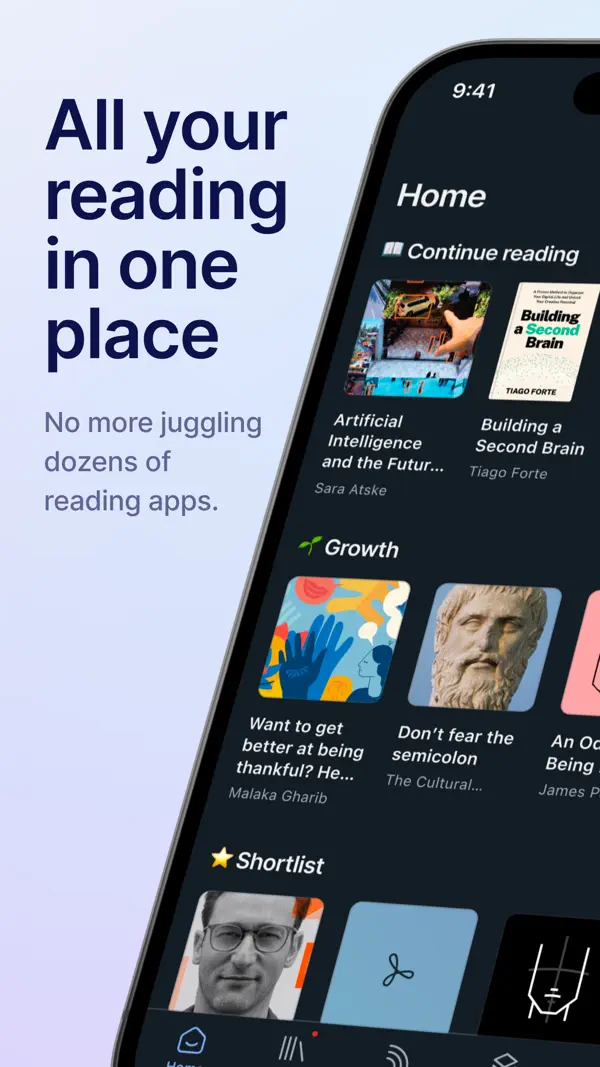
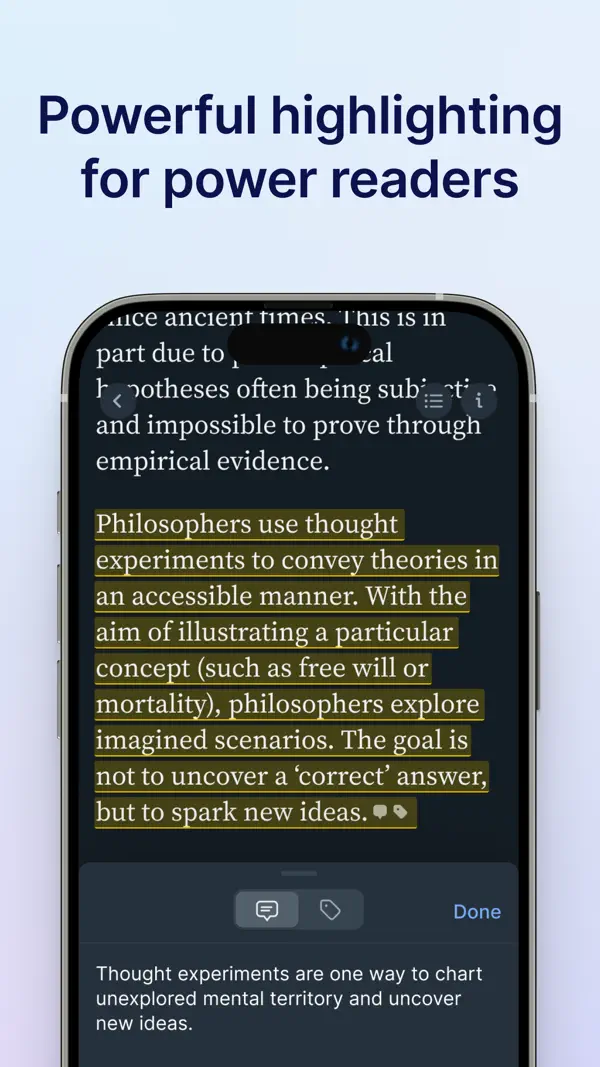
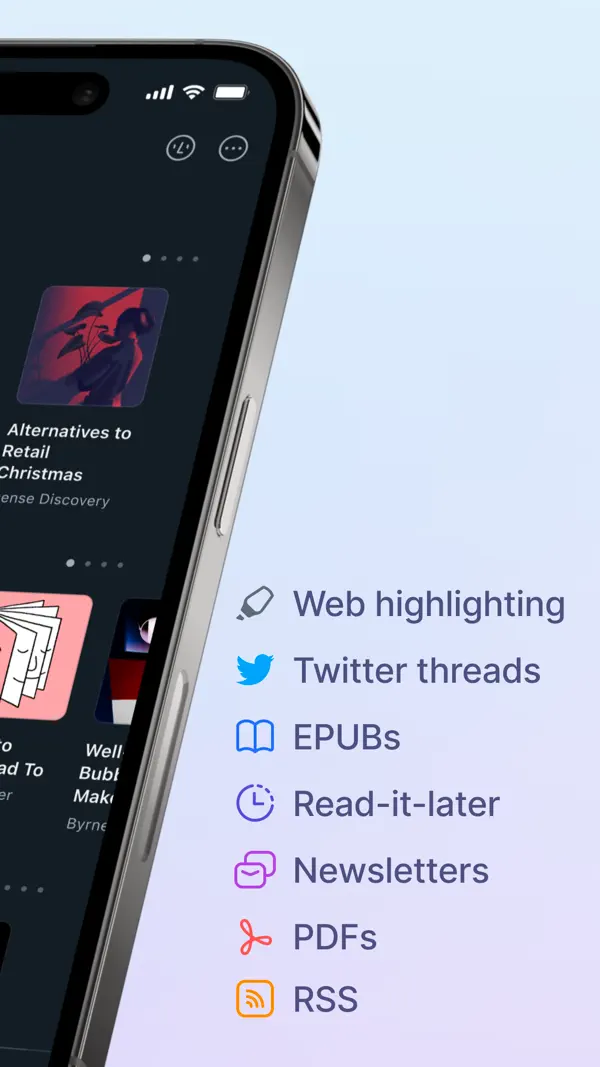
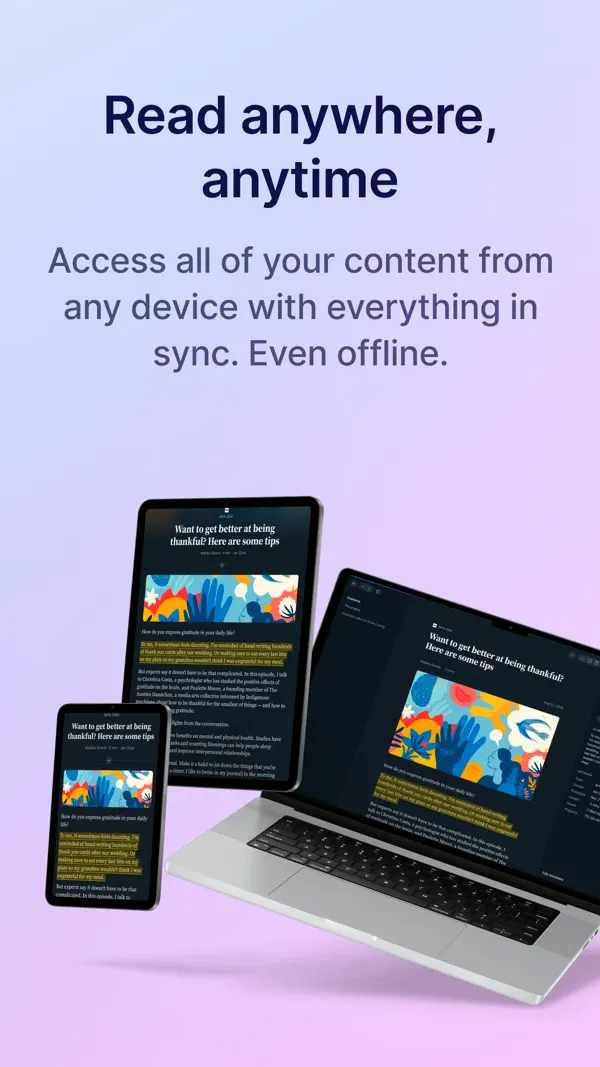
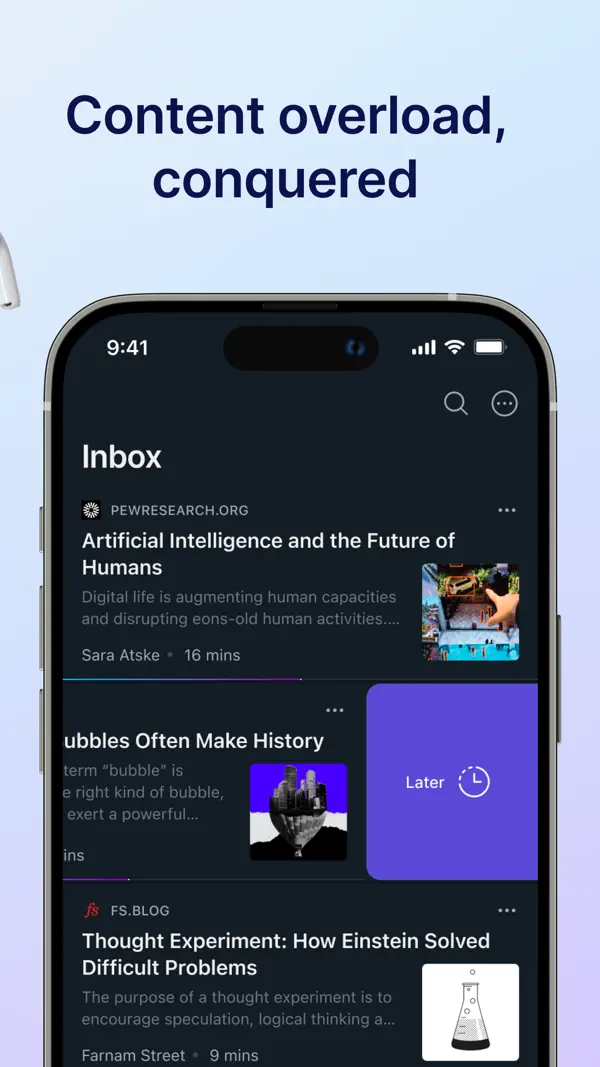
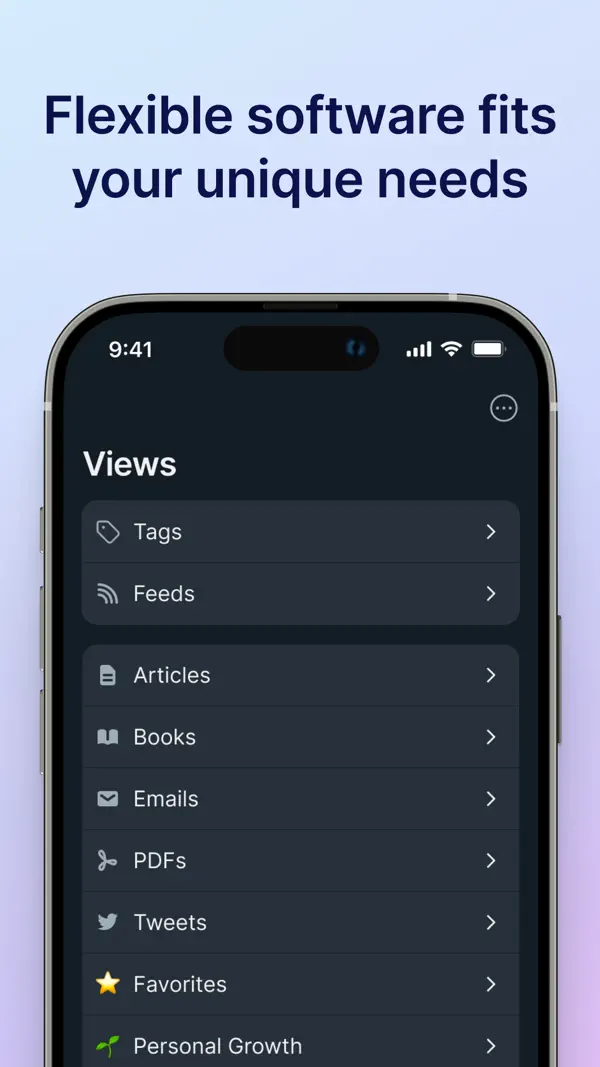
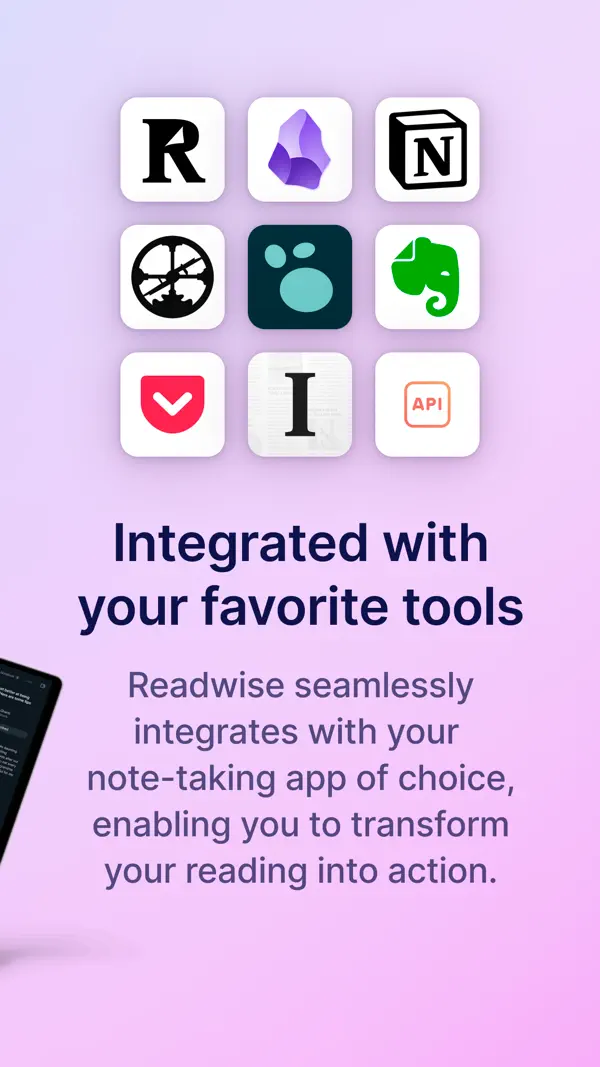
Readwise Reader vereint Web-Artikel, Newsletter, RSS-Feeds, PDFs und EPUBs an einem Ort. Highlights synchronisieren automatisch mit Notiz-Apps wie Obsidian und Notion. Spaced-Repetition hilft, Gelesenes langfristig zu behalten. Die All-in-One-Lösung für alle, die viel lesen.
Das sagen Nutzer
→ UnverändertDie hilfreichsten 1 der neusten 19 Bewertungen
Basierend auf Rezensionen aus dem App Store · Stand: September 2026
Preis & Sparen
ab 8€/MonatAbo ca. 9 €/Monat (oder ca. 96 €/Jahr) — Readwise Reader für Highlights, RSS und Read-later.
- Reader Annual Plan 89,99€/Jahr (7,50€/Mon)
- Reader Monthly Plan 8,49€/Monat
- Reader Yearly 110,99€/Jahr (9,25€/Mon)
- Reader Monthly 11,99€/Monat
4 In-App-Käufe · 8,49€ – 110,99€
Mit dem Referral-Programm bekommst du 30 Tage kostenlos.
Über den Entwickler
Startup für digitales Lesen und Wissensmanagement. Bekannt für Readwise Reader (Read-it-later-Dienst) und das Highlight-Management-Tool Readwise, das Notizen aus E-Books und Artikeln per Spaced Repetition wiederholt.
Vertrauenswürdigkeit
App-Info
1 Inhaltswarnung von Apple
- Unbeschränkter Zugang zum Web
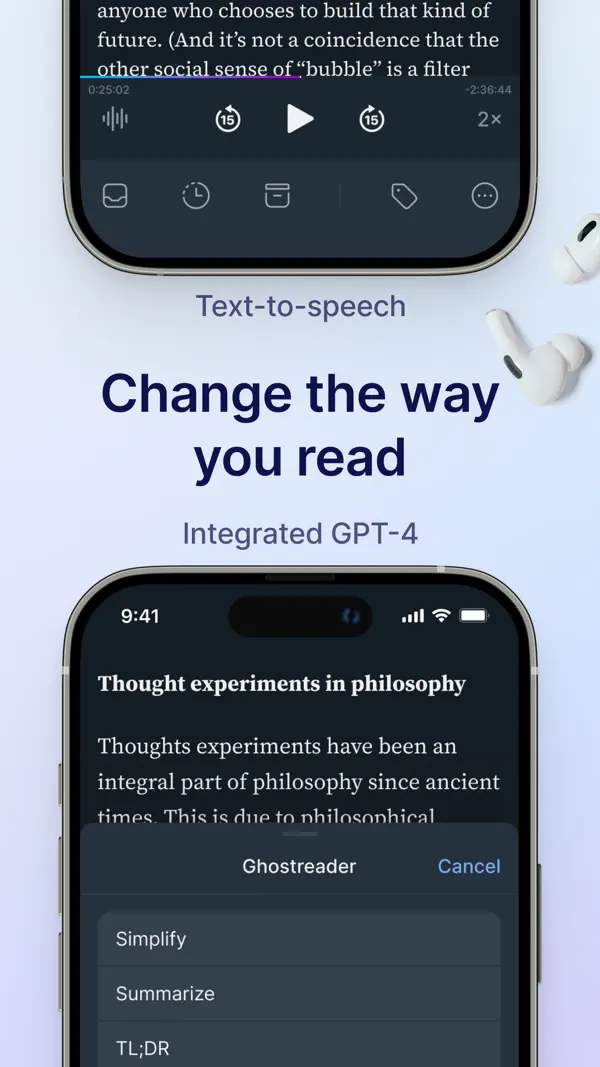
Mobile Chat — The long awaited “chat with document” feature is now available on mobile. Intuitively ask any question while reading and receive a fast, accurate answer that will link to the cited text in the document. Ghostreader is also aware of your position and context while reading -- it’s like a smart friend reading over your shoulder that you can ask questions. To try it, just trigger Ghostreader while reading.
Modern Toolbar — We’re also introducing a new mobile toolbar in the reading view! You can enable it in the app from your settings at Account > “Toolbar layout”. The new toolbar allows you to quickly access ghostreader (in one tap), gives you more easy access to delete documents, and allows you to jump to the previous/next documents without needing to leave the reading view. Of course, if you prefer the existing toolbar, we have preserved that option as well.
Upload Markdown — You can now upload markdown documents to Reader.
GPT-5.6 Support — If you bring your own OpenAI API key for custom Ghostreader prompts, you can now use GPT-5.6: Sol, Terra, and Luna.
Better Search (beta) — There is now a toggle on the Search screen to enable our new server-based search that runs both more quickly, accurately, consistently, and takes much less time to index all of your documents (compared with our old local-first search).
Lookup in Reader — Reader now has a dedicated way to look things up without leaving the page. Easily select (long press) any word or phrase and Reader explains it right away in a dedicated lookup panel. For stand words/terms, get standard definitions, or when you select a term (or name) unique to the document, get the definition the way the author uses it. If you want to revert to the old selection behavior, there is a new option to do that too.
Previously:
Fixed Feed Email Attachments — Rasul fixed a bug where emailing a PDF or EPUB to your Reader email address discarded the email body.
Fixed Twitter Video on iOS — Krzys fixed an iOS bug where the first tap on a Twitter video in Reader did nothing, requiring a pause-then-play to unblock it. Videos now start on the first tap on iOS, matching the behavior on every other platform.
Parsing Updates — Krzys improved how Reader handles documents from The Verge, Reuters, Substack, and Medium, and now routes X.com /article/ links through the Twitter parser so long-form X posts come through cleanly.
Core libraries update — We've updated many of the core libraries that support Reader, which should result in a more native-feeling experience, many fewer bugs, and faster performance!
Readwise MCP & CLI — The (new, improved) Readwise MCP server gives Claude, ChatGPT, Cursor, or any MCP-compatible AI direct access to your Readwise highlights, and the full text of all your Reader documents. Once connected, you can ask your AI to search your notes, answer questions using your own reading history as context, or even make changes to your Reader library for you. We also pre-built AI workflows like inbox triage, feed catchup, a custom book review that is aware of related context in your vault, and a quiz mode for testing yourself on recent reads.
Improved Reading Progress — Artem and Lior enhanced the reading progress modal for EPUBs to show more detail at a glance. You can now choose between percent, page number, time left in chapter, time left in book, or hidden and each option previews the current value right in the picker.
Restore All from Trash — Mati added a "Restore All" button to the trash view on both web and mobile.
Podcast Transcripts — share any podcast episode from Apple Podcasts, Spotify, or Overcast into Reader, and it will be saved as a permanent, highlightable transcript.
Better Offline Control — Choose which categories of documents to keep available offline from the offline documents section of the Account screen. A new status shows whether a location is currently downloading.
Unser Fazit
GutReadwise Reader ist die konsequenteste Antwort auf das Problem des digitalen Lesestaus: Artikel, Newsletter, RSS und PDFs landen an einem Ort, Highlights fließen automatisch in Notiz-Apps wie Obsidian.
Das Abo von zehn Dollar monatlich ist für Vielleser gerechtfertigt. Wer nur gelegentlich liest, wird den Umfang nicht ausschöpfen.
Ratgeber, in denen Readwise Reader genauer thematisiert wird

Häufige Fragen
Was ist Readwise Reader?
Was kostet Readwise Reader?
Was sind die Vorteile von Readwise Reader?
Welche Nachteile hat Readwise Reader?
Wie gut ist Readwise Reader bewertet?
Ähnliche Produktivität-Apps

Grok - KI Assistent
Produktivität
Bester kostenloser KI-Assistent mit Echtzeit-Infos und Bildgenerierung
Bester kostenloser KI-Assistent mit Echtzeit-Infos und Bildgenerierung

OCR Scanner - QuickScan
Produktivität
Schneller OCR-Dokumentenscanner mit Texterkennung
Schneller OCR-Dokumentenscanner mit Texterkennung

one sec | App Zeitlimit Sperre
Produktivität
Verhindert reflexartiges App-Öffnen durch eine kurze Atempause vor Social Media.
Verhindert reflexartiges App-Öffnen durch eine kurze Atempause vor Social Media.

2FA Authenticator (2FAS)
Produktivität
Open-Source-Authenticator für Zwei-Faktor-Codes – privat und sicher
Open-Source-Authenticator für Zwei-Faktor-Codes – privat und sicher

Bitwarden
Produktivität
Open-Source-Passwort-Manager — gratis, sicher, auf allen Geräten
Open-Source-Passwort-Manager — gratis, sicher, auf allen Geräten
Bester kostenloser KI-Assistent mit Echtzeit-Infos und Bildgenerierung
Schneller OCR-Dokumentenscanner mit Texterkennung
Verhindert reflexartiges App-Öffnen durch eine kurze Atempause vor Social Media.
Open-Source-Authenticator für Zwei-Faktor-Codes – privat und sicher
Open-Source-Passwort-Manager — gratis, sicher, auf allen Geräten