
Timery for Toggl
Der beste Toggl-Client für Apple-Geräte
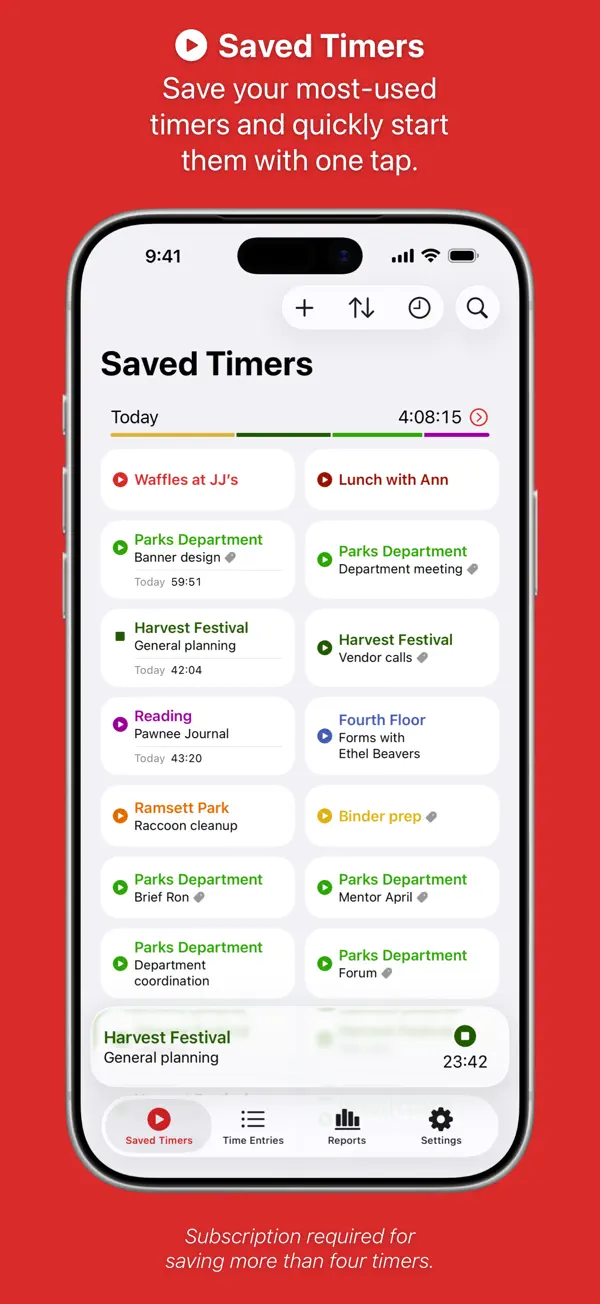
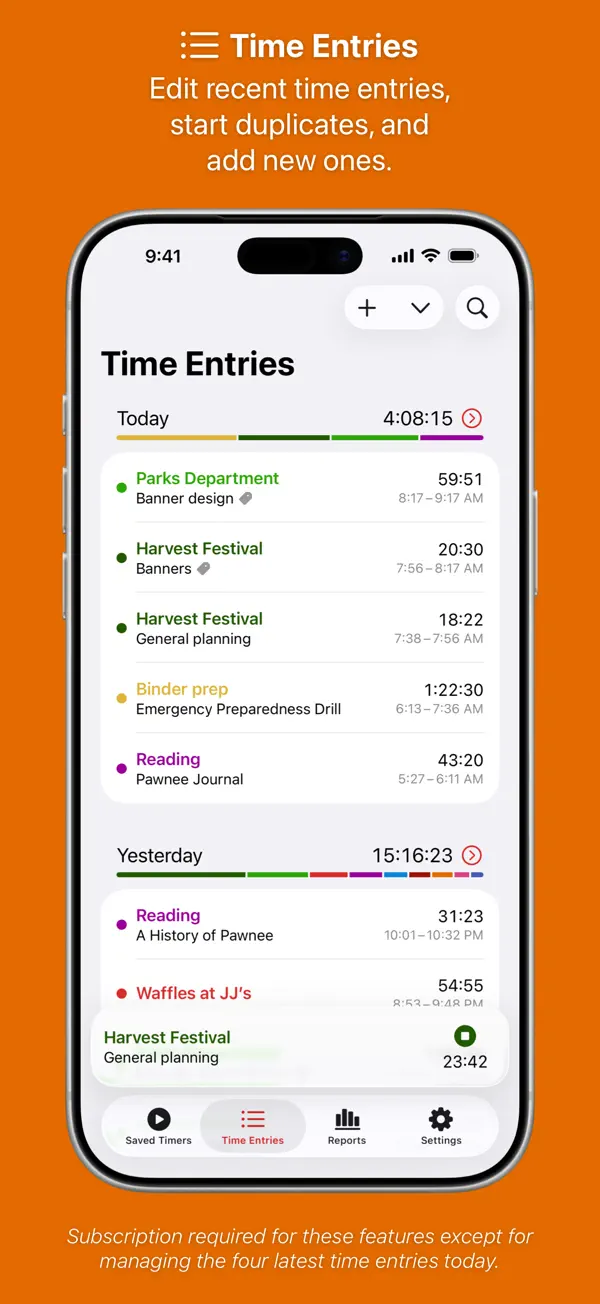
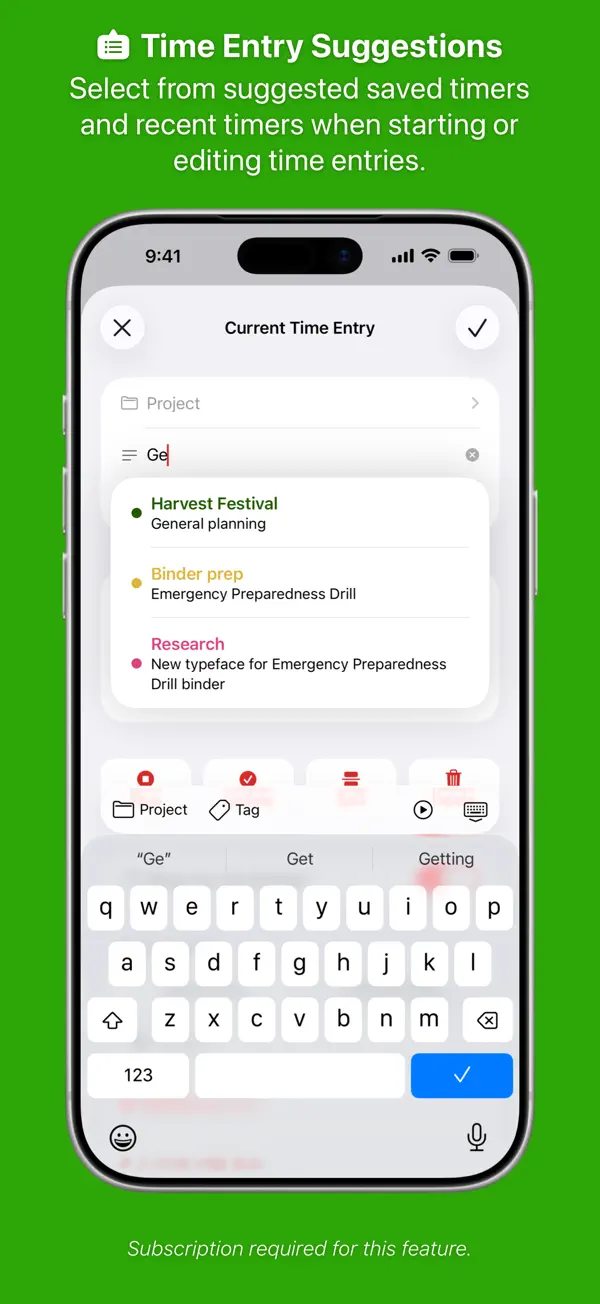
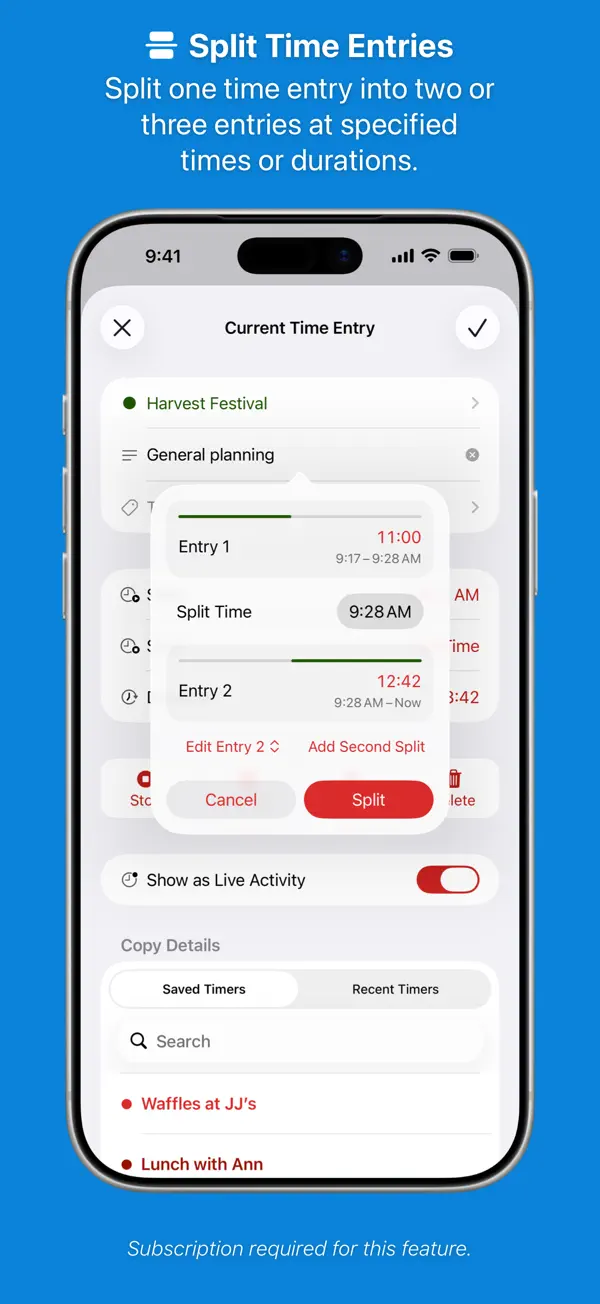
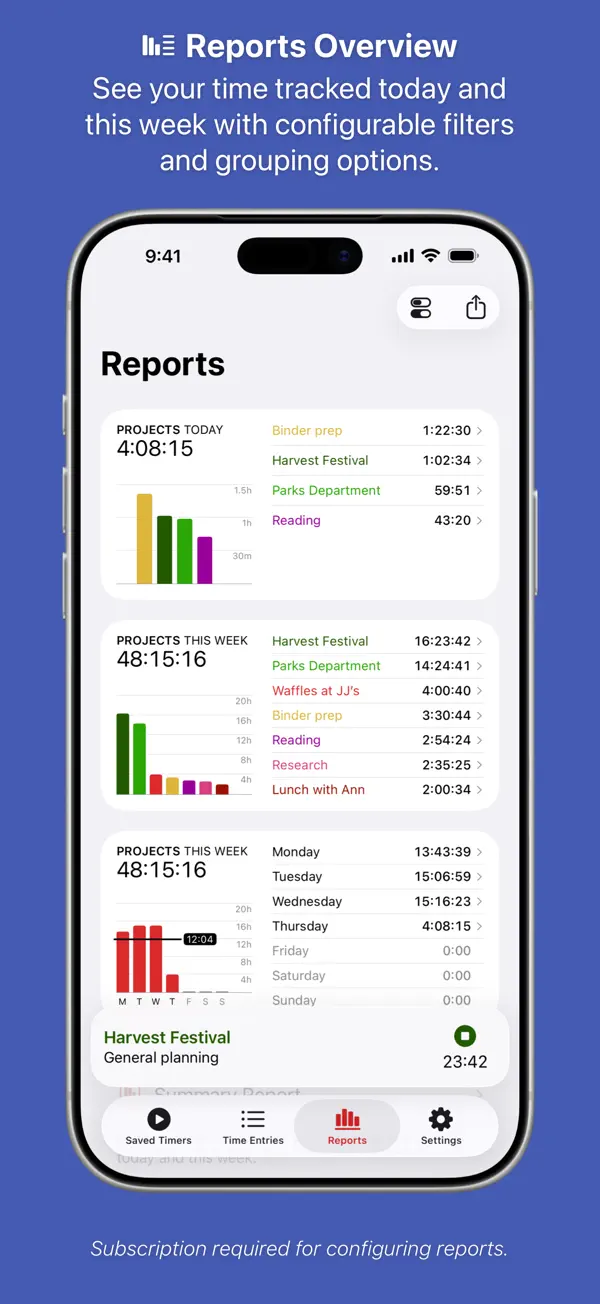
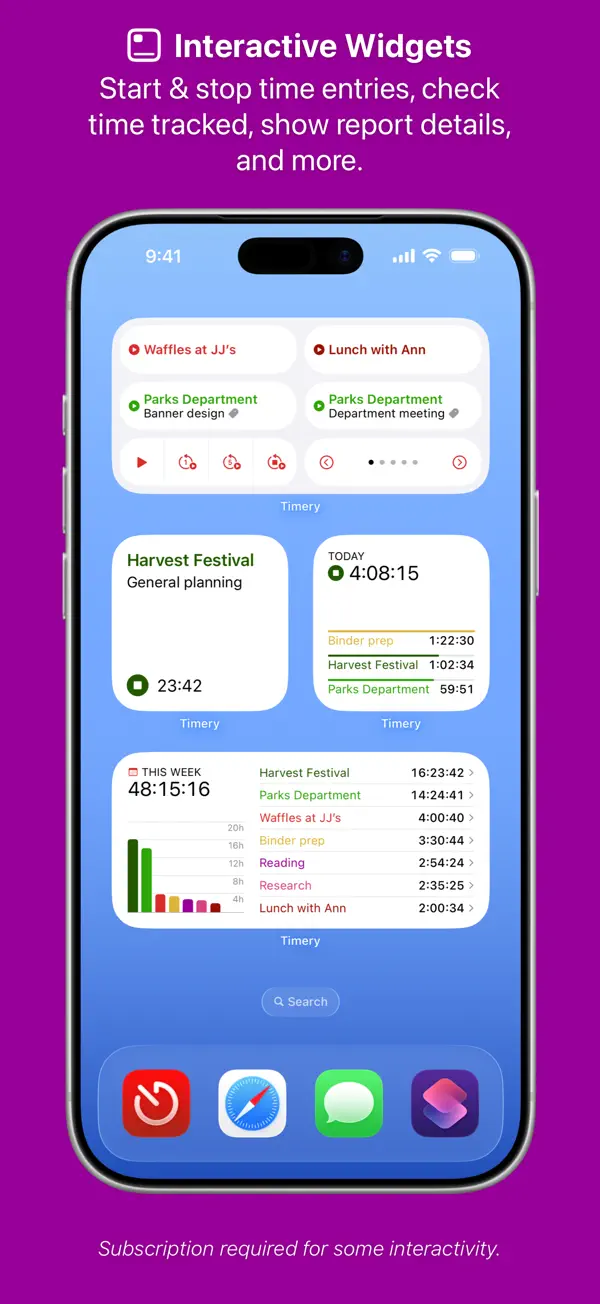
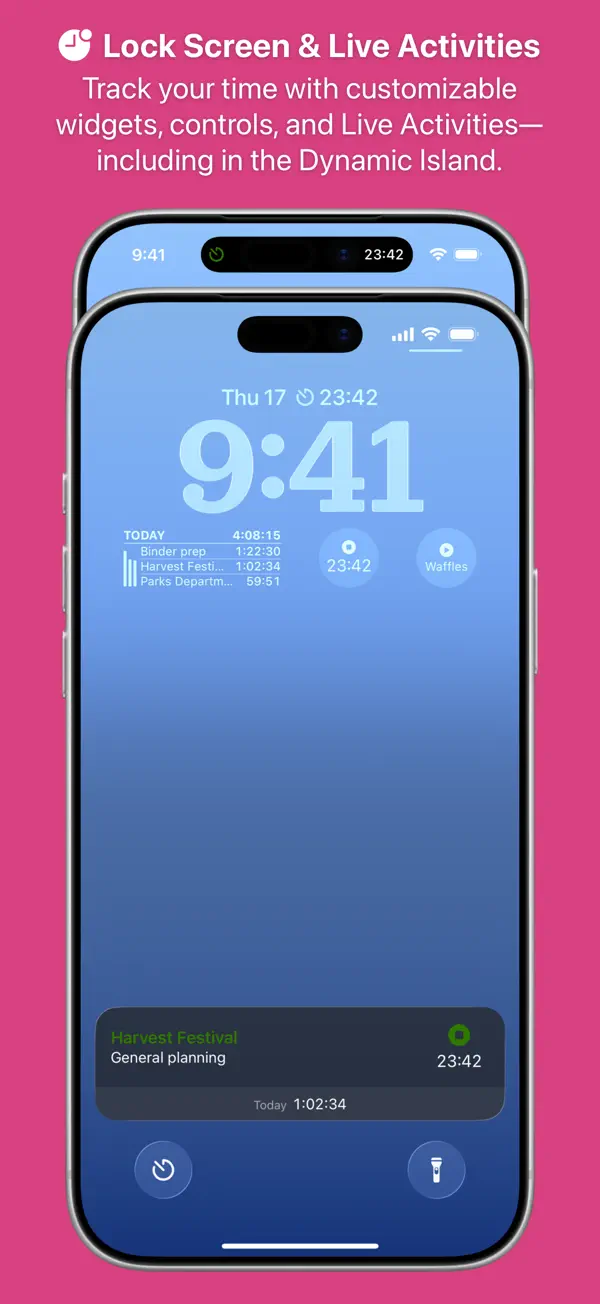
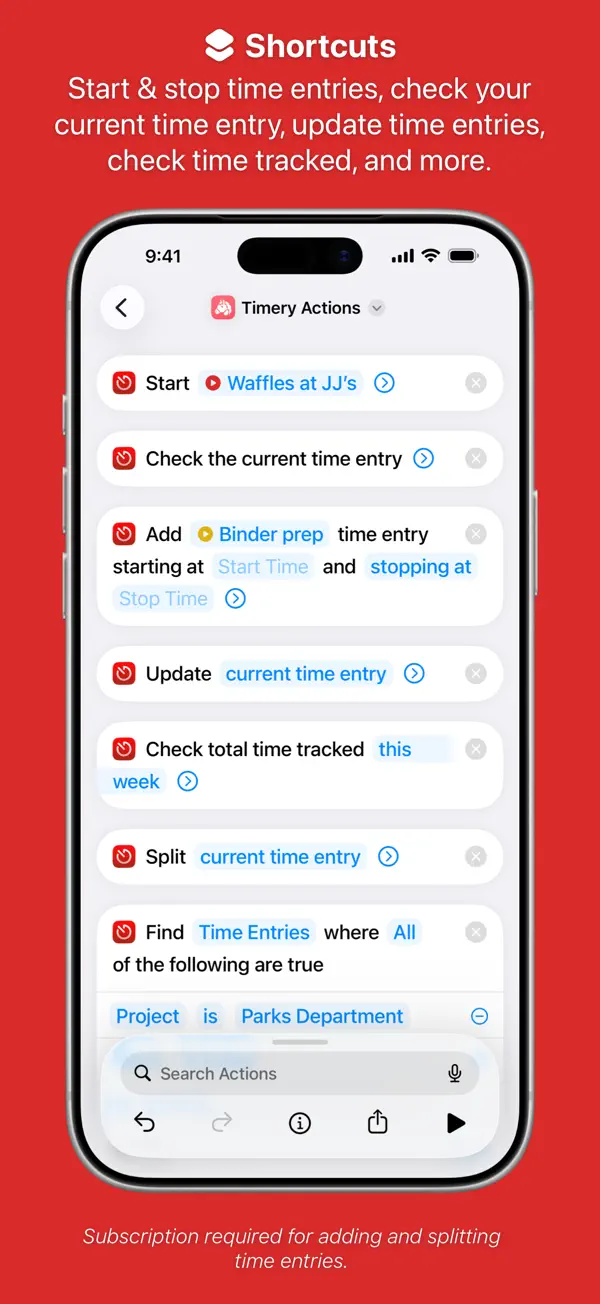
Timery ist ein herausragender Zeiterfassungs-Client für Toggl auf iPhone, iPad, Mac und Apple Watch. Timer starten und stoppen mit einem Tipp, vorgespeicherte Timer für wiederkehrende Aktivitäten, und die besten Widgets aller Zeiterfassungs-Apps. Tiefe Shortcuts-Integration ermöglicht vollautomatische Zeiterfassung.
Das sagen Nutzer
→ UnverändertDie hilfreichsten 1 der neusten 15 Bewertungen
Basierend auf Rezensionen aus dem App Store · Stand: September 2026
Preis & Sparen
FreemiumBasis kostenlos — Pro-Abo ca. 3 €/Monat für Timer, Berichte und erweiterte Toggl-Integration.
2 In-App-Käufe · 0,99€ – 10,49€
Über den Entwickler
Unabhängiger iOS-Entwickler, Schöpfer von Timery – einer preisgekrönten Zeiterfassungs-App für Toggl. Autodidakt ohne formale iOS-Ausbildung. Timery wurde 2019 als Best Newcomer iOS App ausgezeichnet.
Vertrauenswürdigkeit
App-Info
New in Timery: Landscape orientation on iPhone, improved projects syncing between devices, some visual tweaks and fixes for upcoming OS versions, and many more small improvements & fixes.
— General Improvements —
Timery now supports landscape orientation on iPhone and will show a sidebar in landscape instead of a tab bar (iOS 18 & higher).
In an effort to better keep devices in sync, adding or editing projects, tags, & clients in Timery on one device will notify other devices of a change through iCloud. When Timery is opened on those other devices, the app will reload projects, tags, & clients depending on how many hourly Toggl profile API requests remain and how long until the quota resets.
Several visual tweaks and fixes for upcoming OS versions include an updated default dark-mode background for widgets to match dark-mode app icons and restored icons for timers in the Mac menu bar item’s menu.
— Context Menus —
Context menus throughout the app have many updates & improvements. Actions in Time Entries view menus and the current time entry view menu have been rearranged and reorganized (and sometimes removed) to better focus the menus on core actions.
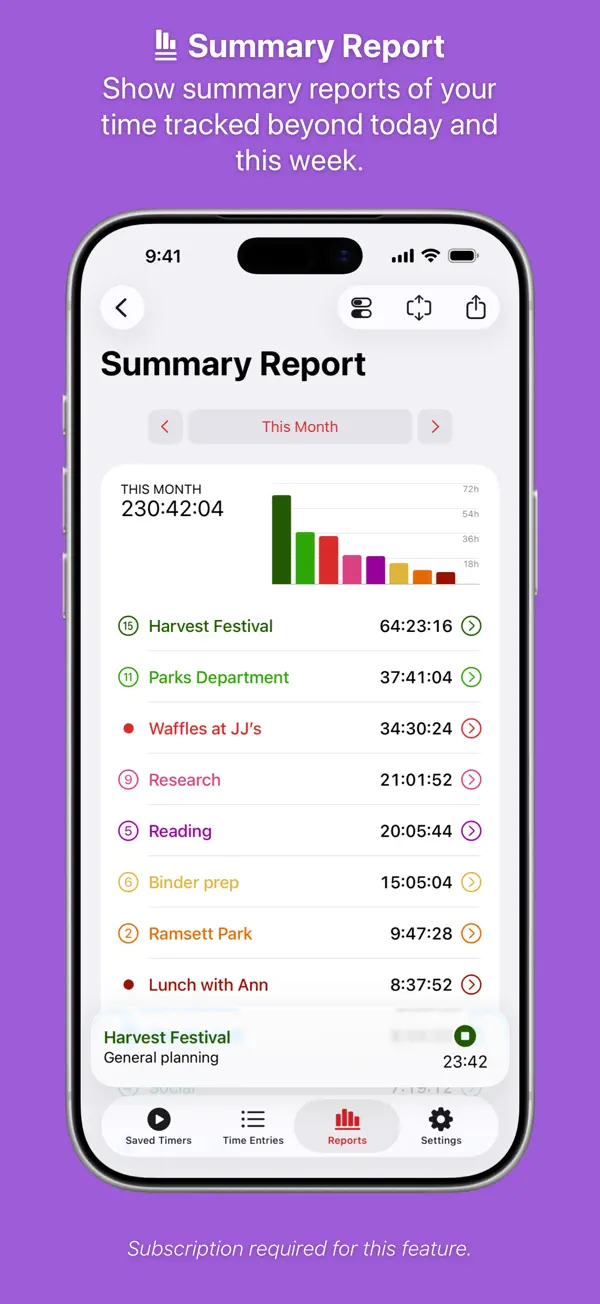
Summary reports have a new configuration-menu action and keyboard shortcut to more quickly edit report dates.
Items in summary reports have context menus to copy the item labels and durations.
— Mac —
Actions in the menu bar item’s menu have also been rearranged and reorganized to better focus the menu. Some menus and actions as well as the time-tracked items have been consolidated to allow more timers to appear in the menu (when set to not be shown in a submenu) before having to scroll.
On macOS 26 & higher, all alternate Dock icons that aren’t already dark will automatically switch to a dark-mode version when macOS is in dark mode (and Timery is running).
— Settings —
Settings > Default View has a new option to set if on iPhone and in narrow windows on iPad (as well as on Mac in narrow windows in the toolbar) pressing the Reports tab defaults to showing Summary Report instead of Reports Overview.
Settings > Saved Timers View has a new option to set if pressing Saved Timers in the tab bar and sidebar when already in Saved Timers view always scrolls the view to the top or switches between scrolling the view to the top and to the bottom.
Alternate app icons include a Disability Pride icon. And dark-mode stripe icons are now darkened versions of the light-mode icons to retain their color.
— Fixes —
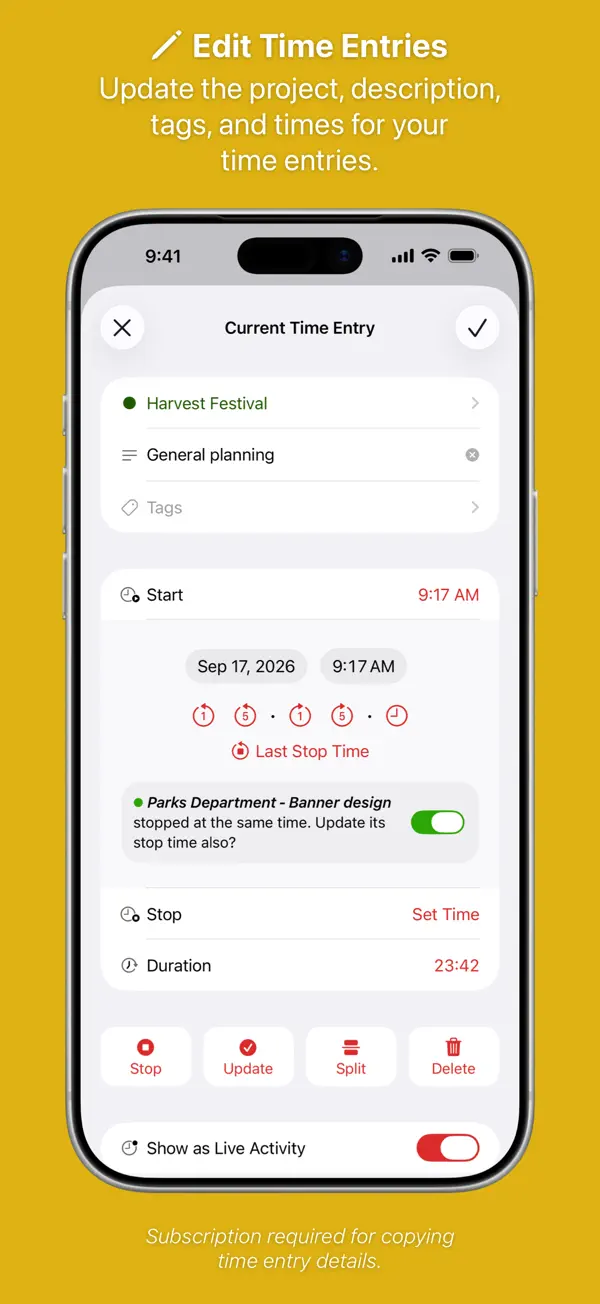
When editing a time entry in the edit view, editing the start & stop times and duration should better position the view so the update button below the times stays visible (depending on device screen size of course).
When turned on in settings, checking if the current time entry started yesterday and offering to split it at midnight should work more reliably again.
In summary reports, an issue where reports could use an incomplete set of cached time entries should be fixed. And days, weeks, & months reports should more reliably sort report items chronologically and include days/weeks/months with no time tracked when set to.
For paid Toggl accounts, when adding a new project, custom project colors are available to choose from like when editing a project.
Many, many more fixes and design tweaks.
—————
Thank you for using Timery and being part of the Timery Club. I couldn’t keep working on Timery without you and your support. Thank you. More to come!
Happy time tracking!
– Joe
Unser Fazit
Sehr gutKaum bekannt, aber der beste Toggl-Client weit und breit: Timery macht Zeiterfassung so reibungslos wie möglich – mit den besten Widgets seiner Klasse und tiefer Shortcuts-Integration für vollautomatisierte Workflows.
Wer bereits Toggl nutzt, sollte hier wechseln.
Ratgeber, in denen Timery for Toggl genauer thematisiert wird

Häufige Fragen
Was ist Timery for Toggl?
Ist Timery for Toggl kostenlos?
Was sind die Vorteile von Timery for Toggl?
Welche Nachteile hat Timery for Toggl?
Wie gut ist Timery for Toggl bewertet?
Ähnliche Produktivität-Apps

Grok - KI Assistent
Produktivität
Bester kostenloser KI-Assistent mit Echtzeit-Infos und Bildgenerierung
Bester kostenloser KI-Assistent mit Echtzeit-Infos und Bildgenerierung

OCR Scanner - QuickScan
Produktivität
Schneller OCR-Dokumentenscanner mit Texterkennung
Schneller OCR-Dokumentenscanner mit Texterkennung
one sec | App Zeitlimit Sperre
Produktivität
Verhindert reflexartiges App-Öffnen durch eine kurze Atempause vor Social Media.
Verhindert reflexartiges App-Öffnen durch eine kurze Atempause vor Social Media.

2FA Authenticator (2FAS)
Produktivität
Open-Source-Authenticator für Zwei-Faktor-Codes – privat und sicher
Open-Source-Authenticator für Zwei-Faktor-Codes – privat und sicher

Bitwarden
Produktivität
Open-Source-Passwort-Manager — gratis, sicher, auf allen Geräten
Open-Source-Passwort-Manager — gratis, sicher, auf allen Geräten
Bester kostenloser KI-Assistent mit Echtzeit-Infos und Bildgenerierung
Schneller OCR-Dokumentenscanner mit Texterkennung
Verhindert reflexartiges App-Öffnen durch eine kurze Atempause vor Social Media.
Open-Source-Authenticator für Zwei-Faktor-Codes – privat und sicher
Open-Source-Passwort-Manager — gratis, sicher, auf allen Geräten